Windows XP Installation Instructions
B
C-DiGit User Manual B-7
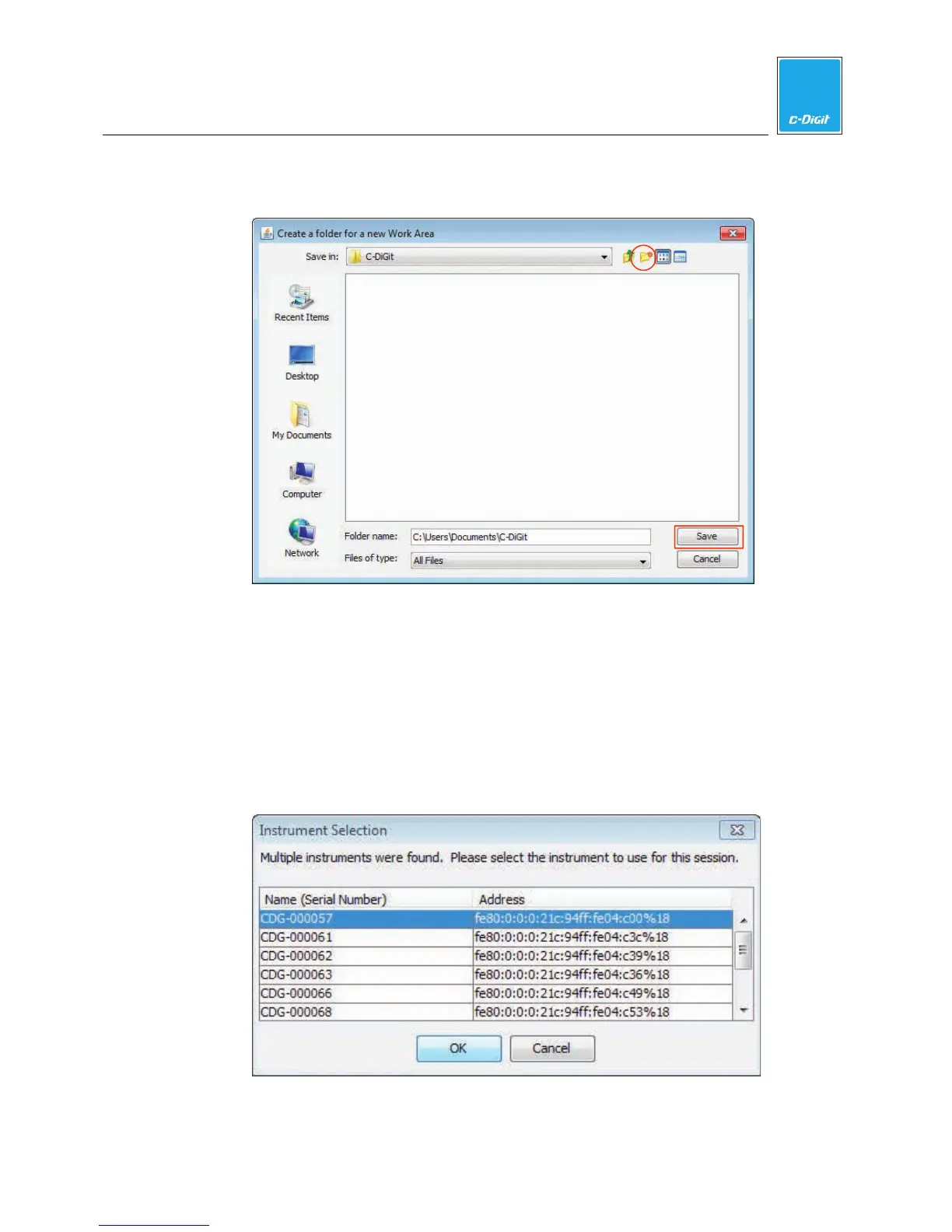
time the software is opened. Select the folder and click Save to set it as the
Work Area.
Note: Each user should create their own Work Area Folder, as previous settings
for the instrument, analysis, image display, etc. from the last session will be
applied to the next session in the same Work Area.
11. Connect to C-DiGit Blot Scanner
If there is only one C-DiGit detected by the computer, it will connect
automatically; if there are multiple C-DiGits detected, you can choose the
desired C-DiGit Blot Scanner from a list of available instruments (below, listed
by serial number).



 To Next Page