Quick Start Tutorial
2
C-DiGit User Manual 2-3
Click here to watch a video that demonstrates how to install Image
Studio on a Windows-based computer.
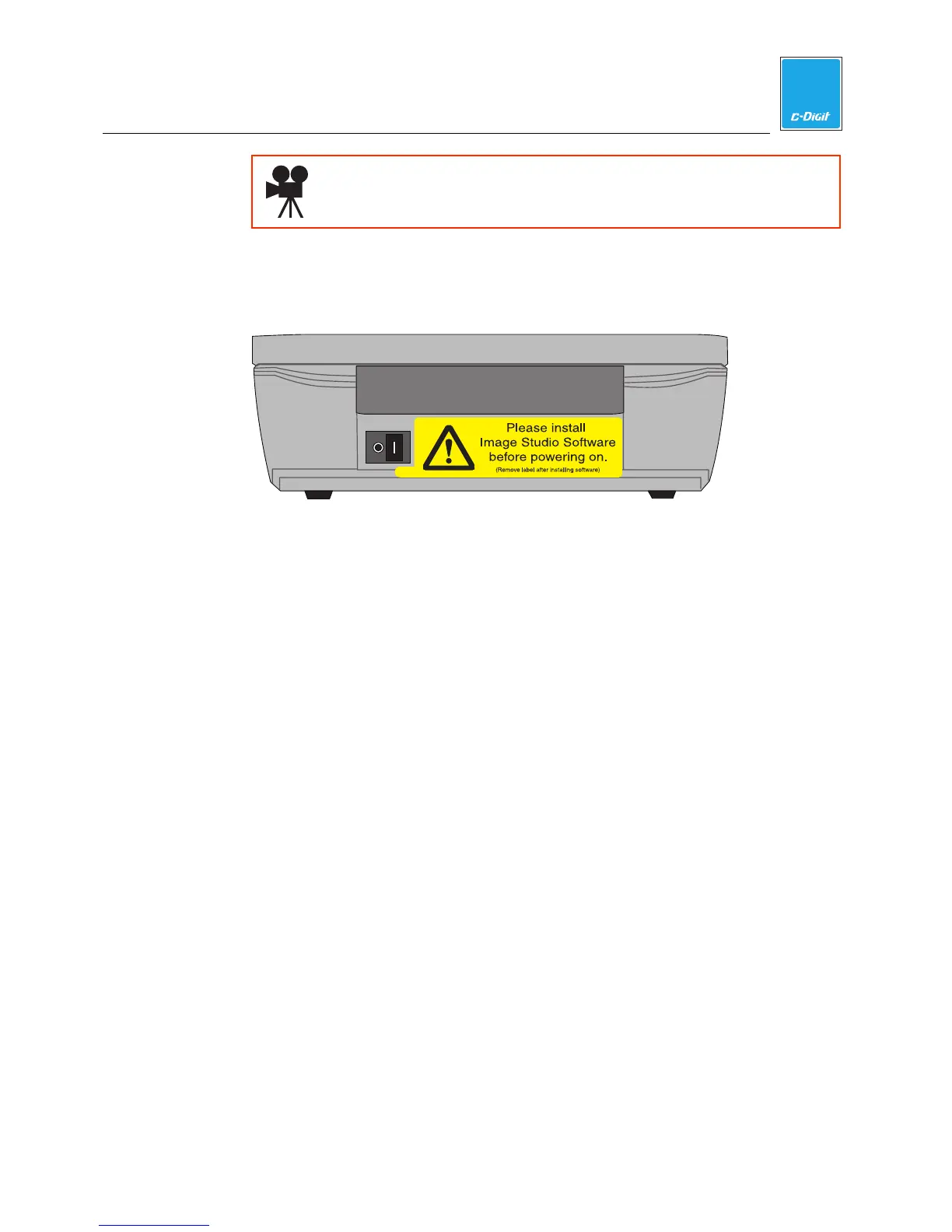
4. Remove warning label from the back panel
Remove the yellow warning label on the C-DiGit Blot Scanner back panel
(below).
LAN
USB
Amphenol
12VDC 1A
5. Install the Power Supply Plug
There are two power supplies available for use with the C-DiGit; you will have
received either the Cincon (p/n 591-13058) or SL Power Electronics (p/n 591-
13032) power supply. Each of these power supplies is a universal 100-240VAC
input, 12VDC power output supply with interchangeable AC plugs for use in
North America and Japan, Australia, Europe, and the United Kingdom. Install
the appropriate plug on the power supply as shown below. NOTE: The SL
Power Electronics supply has the North American/Japanese plug pre-installed.
For use in other countries, remove this plug and replace with the appropriate
plug.



 To Next Page