Quick Start Tutorial
2
C-DiGit User Manual 2-6
below. NOTE: You may have to dismiss any Windows
®
‘Found New Hardware’
messages.
9. Start Image Studio
Double-click the Image Studio icon (below) on the desktop to start Image
Studio.
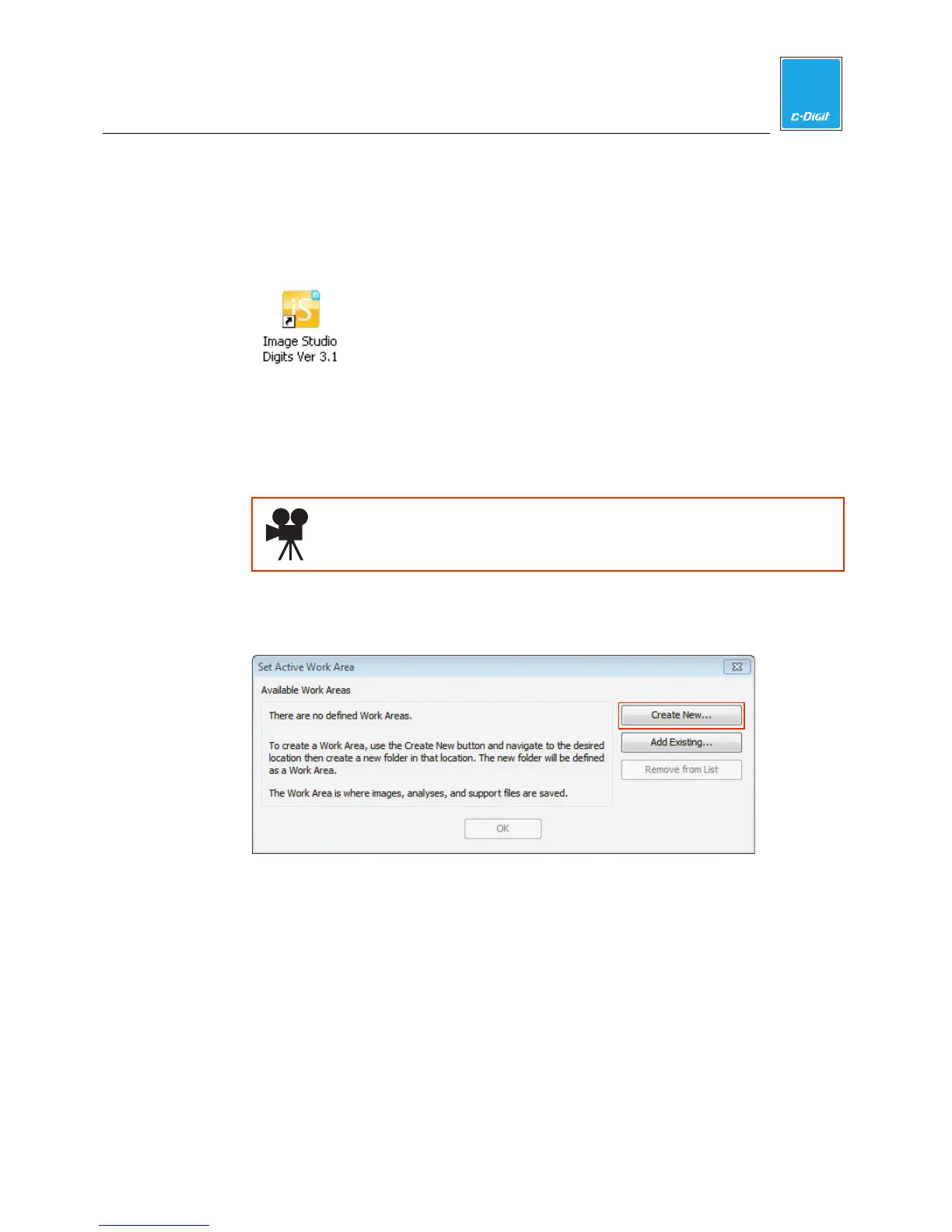
10. Create a New Work Area Folder
The first time you start the software you will need to create the first Work Area.
The Work Area is a folder on the hard drive or network where the images,
analyses and settings are stored.
Click here to watch a video that demonstrates how to create a Work
Area Folder.
PC: Click Create New… in the Set Active Work Area dialog box to browse to a
folder on the hard drive or network to use as the Work Area.
Click the New Folder icon to create a new folder for the Work Area. Name the
folder; this folder will now appear in the Available Work Areas window each
time the software is opened. Select the folder and click Save to set it as the
Work Area.



 To Next Page