Quick Start Tutorial
2
C-DiGit User Manual 2-10
C-DiGit™Target
PN 6536-030
This target is
for use as a quick verification tes
t
of the C-DiGit Scanner. Refer to the C-DiGit
User Manual on the Resource CD f
or complete
instructions. Please store this target in the dark.
www.licor.com/cdigit
©2012
1. Expose
to room
light for 30 seconds
2. Place exposed
side down
3. Scan
Place target here
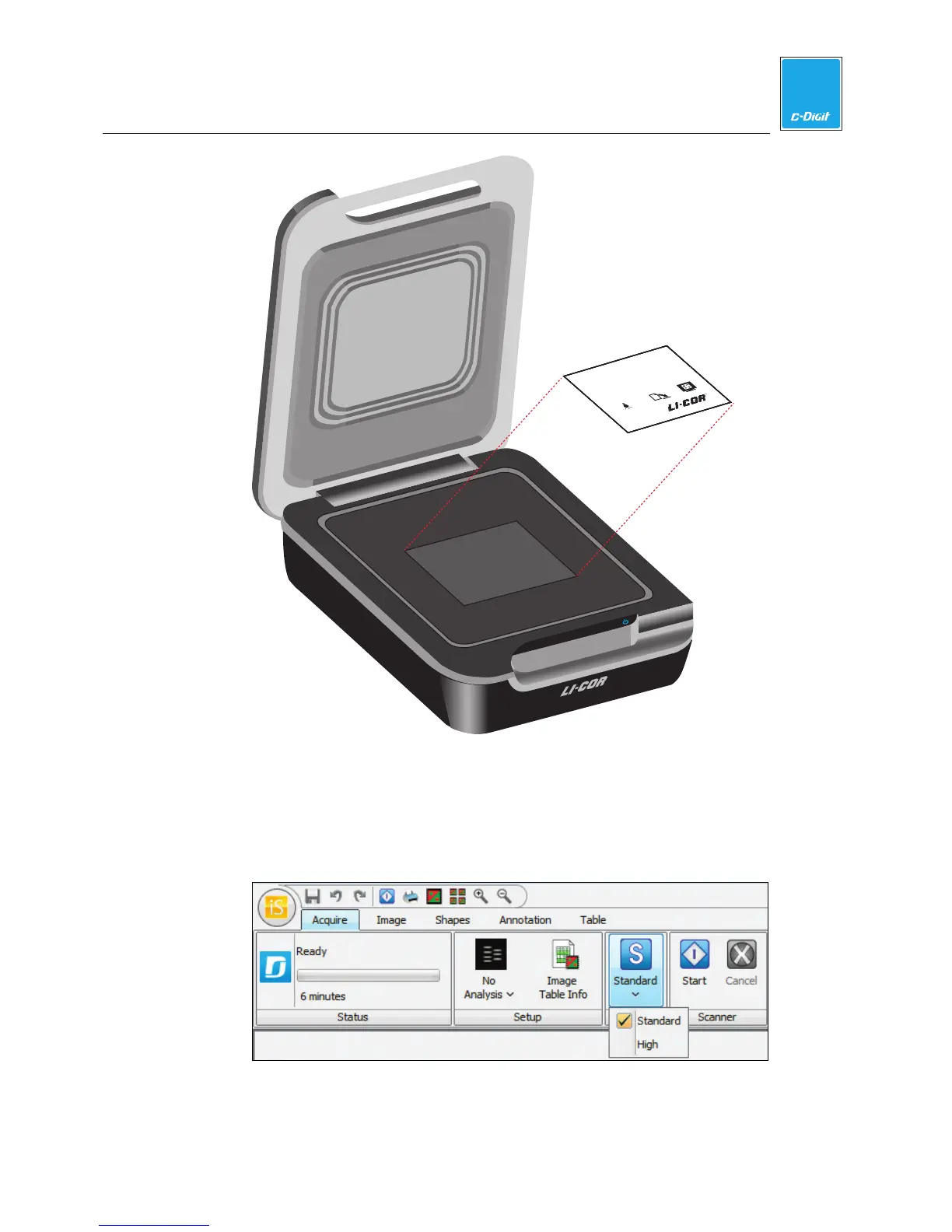
13. Acquire Target Image
Make sure that the Sensitivity is set to Standard. If the Sensitivity is not set to
Standard, click on the Sensitivity button and choose Standard from the pull-
down menu (below). The image acquisition using Standard sensitivity takes
approximately 6 minutes to complete.
Click the Start button on the Acquire tab ribbon.



 To Next Page