Quick Start Tutorial
2
C-DiGit User Manual 2-12
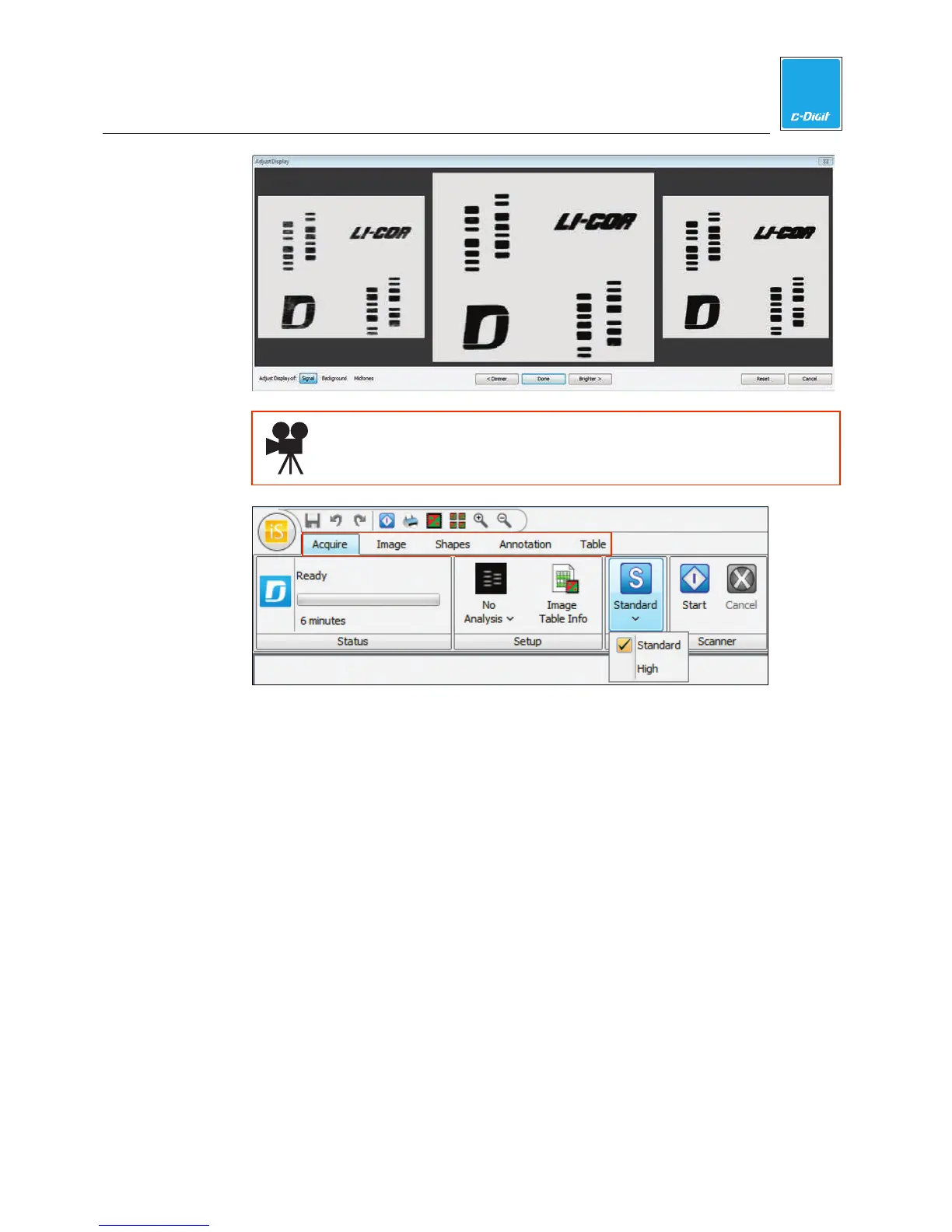
Click here to watch a video that demonstrates how to choose and
adjust an acquired image.
Click on the ribbon tabs (above) for additional features, including:
Image - Adjust the image appearance, crop, rotate, view image array.
Shapes - Draw shapes to quantify data.
Annotation - Add text annotations to image.
Table - Filter table columns, add headers, export data, etc.
Click on the Shapes and/or Images tabs at the bottom of the main window to
view:
Shapes - Table of quantification data for selected image.
Images - Table of acquired images, settings, and comments.



 To Next Page