Trackit Mk3 User Manual
23
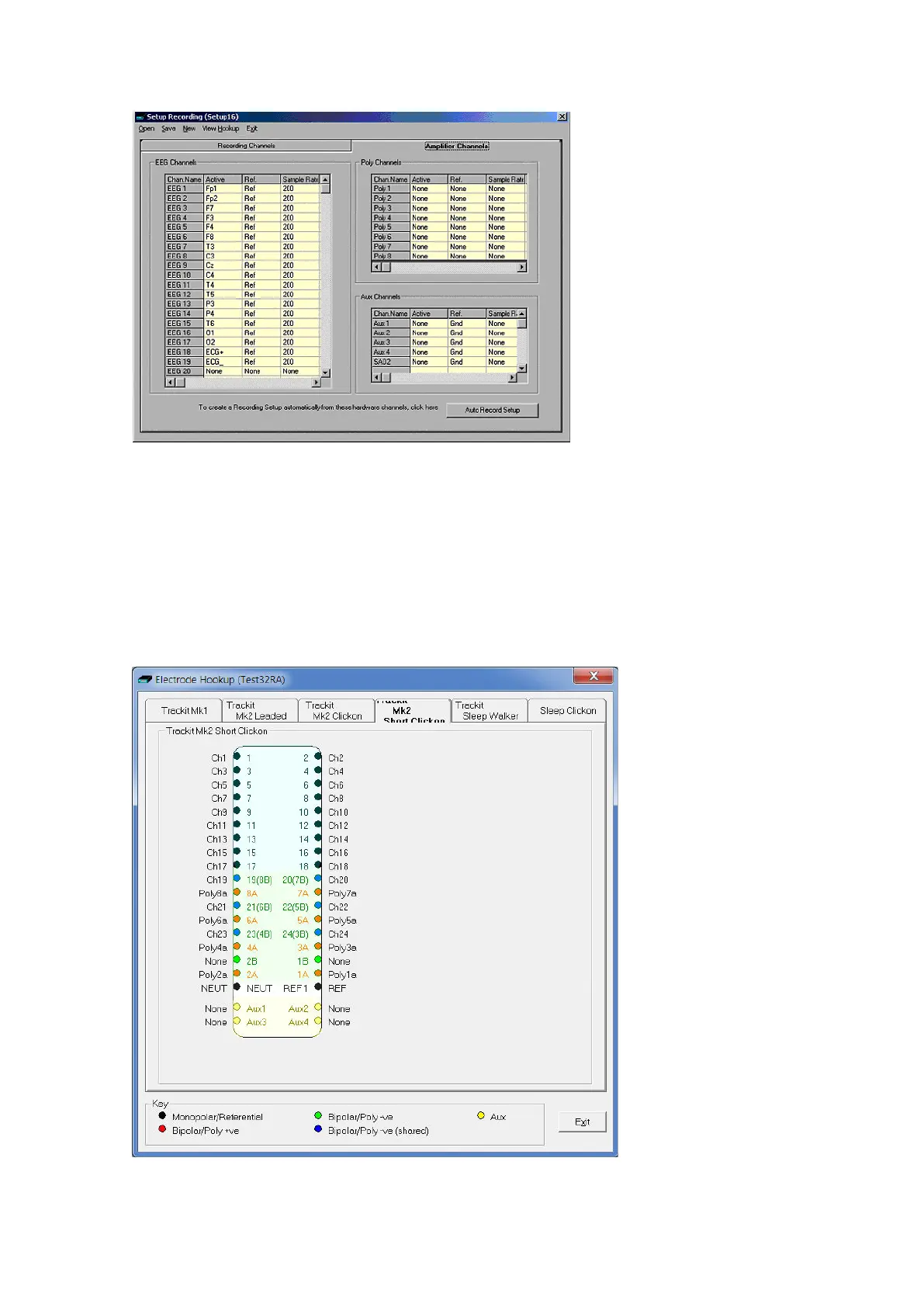
Figur e 1 0 Se t up Re cor ding dialog
The order of the signal labels in t he pull down list is the sam e as t he order of t he signals in the sig-
nal list defined using the signal- edit ing t ool.
To see t he user- defined labels (signals) on t he input s, click on View Hook-up in t he Menu Bar. See
Figure 11.
The View Hookup display shows all the current ly available PCU opt ions. Click on the appropriat e t ab
t o access the specific t ype.
Figur e 1 1 Vie w H ook up



 To Next Page