Operate Counter
248083387-1 Rev 10 6-51
screen.
The following options can be enabled to configure locations for the
SOLAIR.
• When enabled, the Auto Increment option will automatically select
the next location after completing the programmed number of
cycles. The default position is “off” when the unit is powered up.
• The unit can be configured for a maximum of 200 Locations. Each
location name can be configured with a maximum of 8 characters
per name.
• Recipes associated with a specific location are denoted by an
asterisk (*) to the right of the location name.
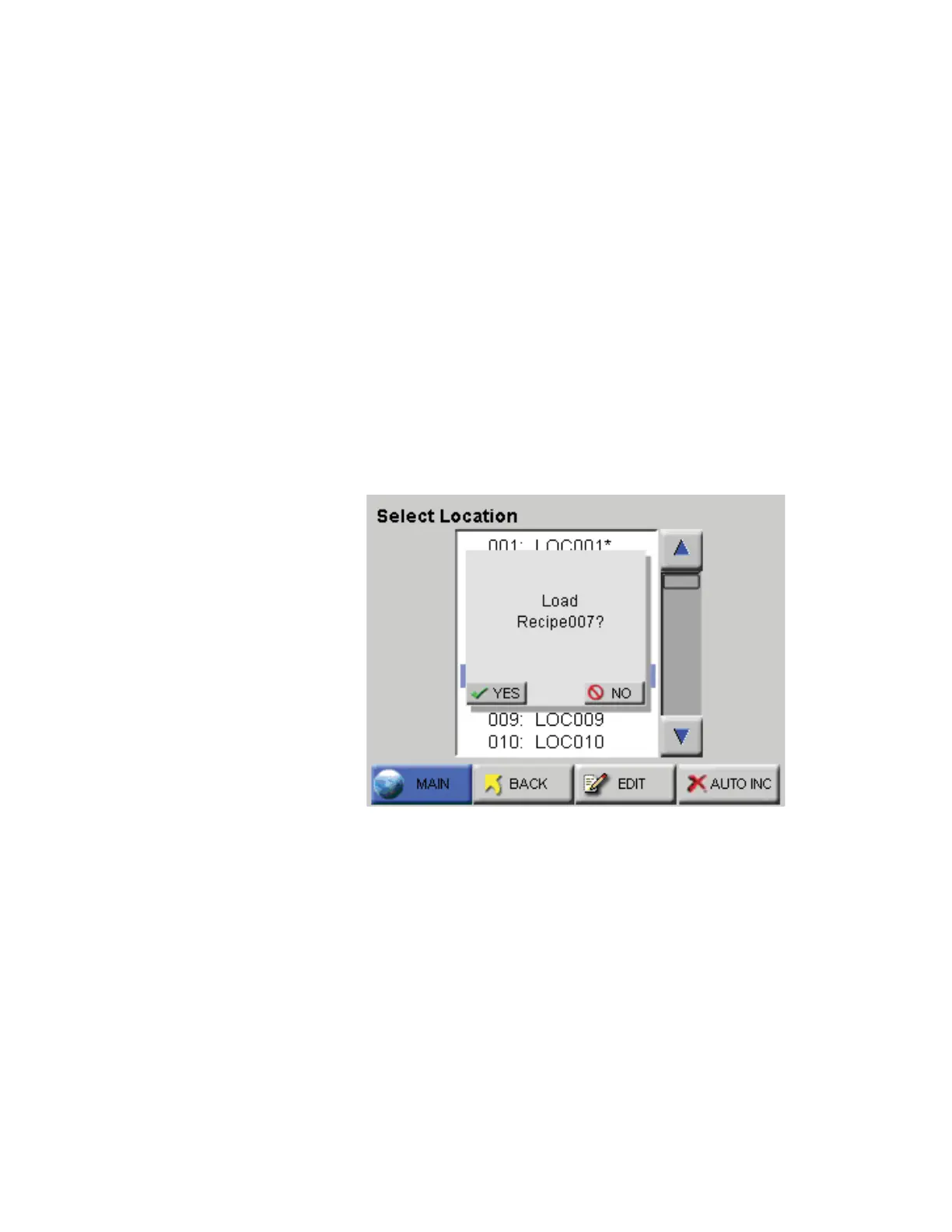
• When selecting a location with a recipe, the user is provided with
the option of loading the recipe as shown in Figure 6-69. If the user
chooses not to load the recipe, the location can still be used with the
current settings.
Figure 6-69 Location - Load Recipe
• If a recipe is loaded and a location is selected that is not associated
with a recipe, the user is given the option to unload the current
recipe. If the user chooses to keep the loaded recipe, the location
will adopt the current recipe settings.










 To Next Page