Lighthouse SOLAIR 3350, 5350 Gen E Operating Manual
6-52 248083387-1 Rev 10
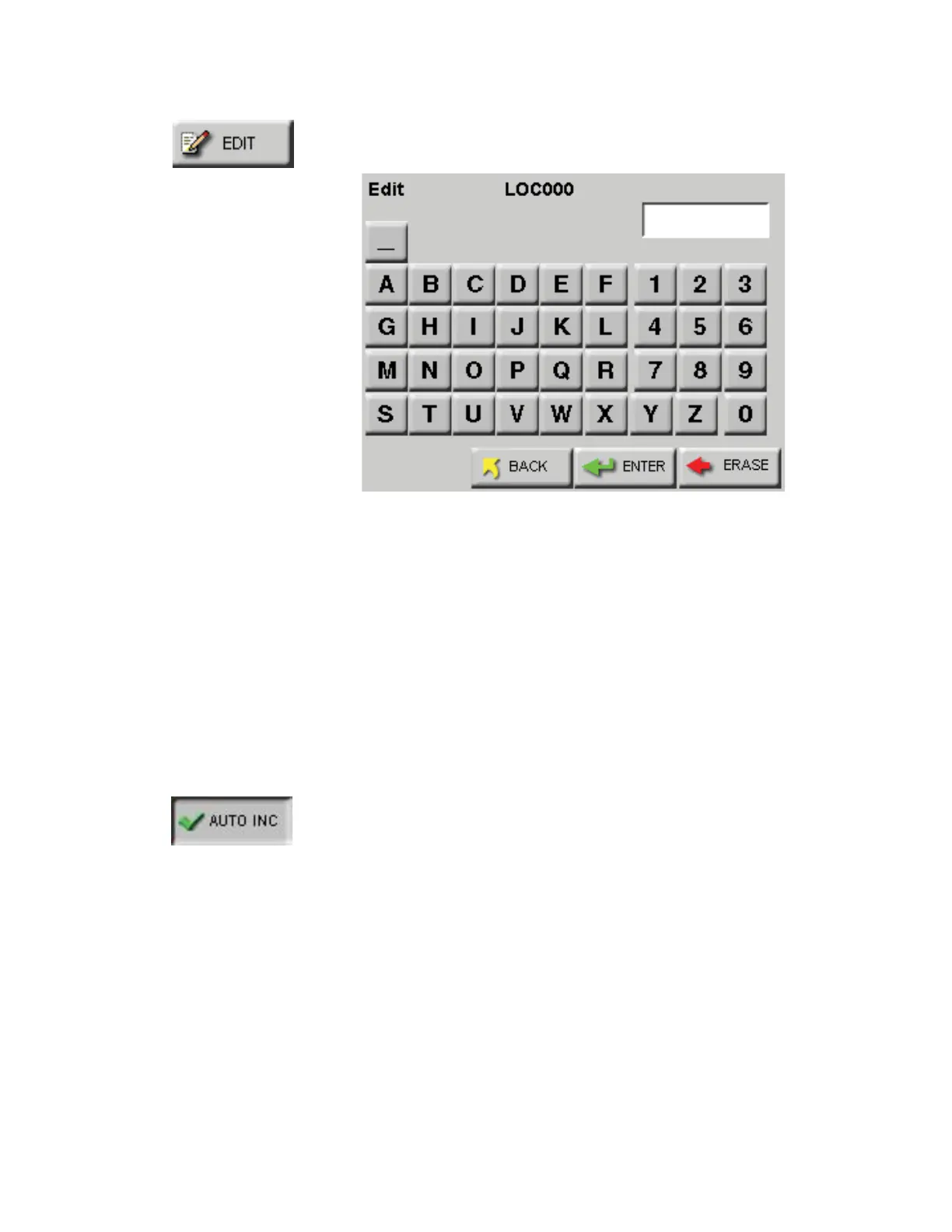
To create a name for a location, press the EDIT button to display the
Edit screen shown in Figure 6-70.
Figure 6-70 LOCATION Edit Screen
• Type in the name of the location using the alphanumeric and
underscore keys.
• Press the ERASE button to erase the last character typed, if needed.
• Press ENTER.
• Use the Arrow keys to go to the next location to be edited and press
the EDIT button. Continue in the same way to edit as many
Locations as desired.
Press the BACK button to return to the Configuration screen or the
MAIN button to return to the MAIN screen.
Activating the AUTO INC button allows the user to select the next
location once the number of cycles is completed.
• The user is prompted to move to the next location after the
programmed number of cycle. See Figure 6-71.










 To Next Page