Lighthouse SOLAIR 3350, 5350 Gen E Operating Manual
4-4 248083387-1 Rev 10
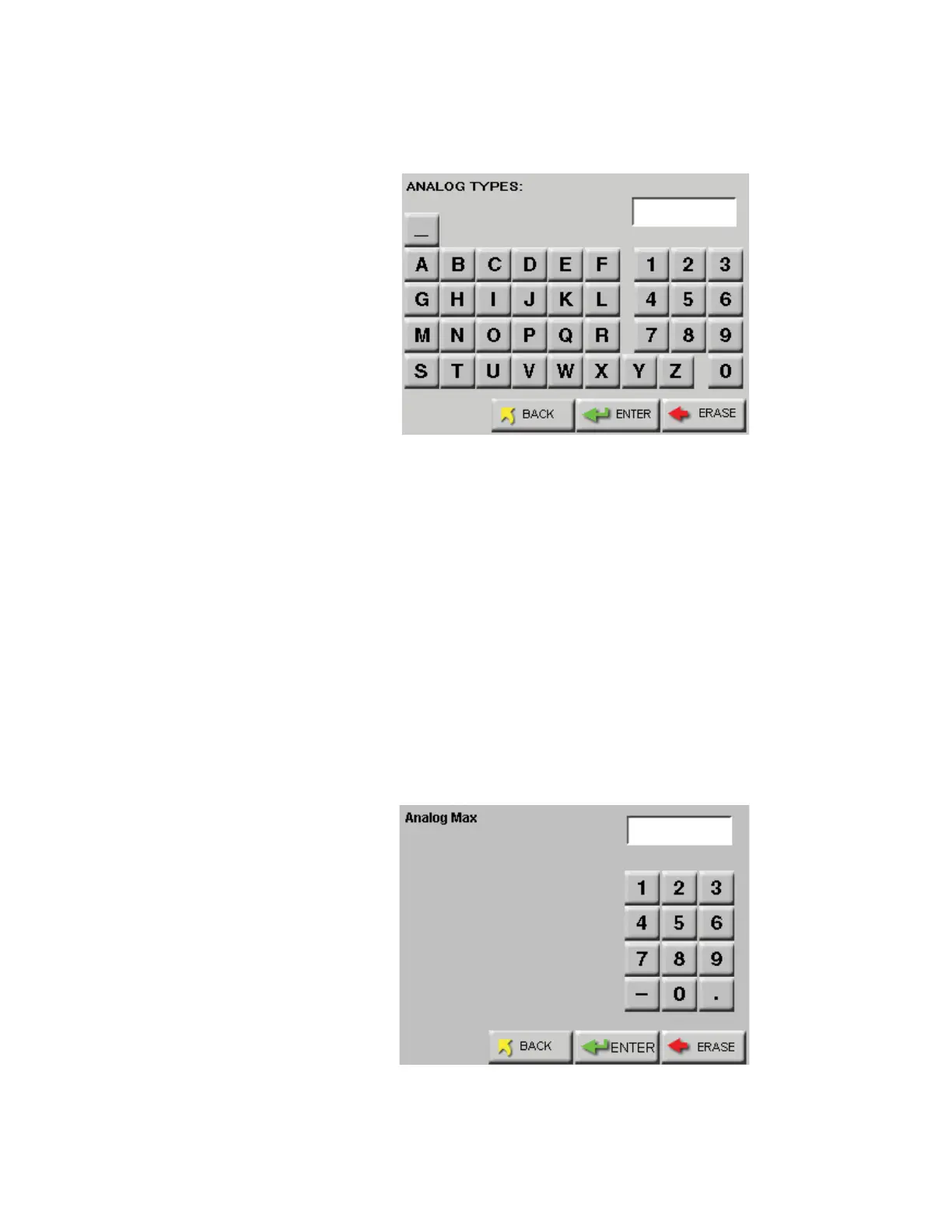
5. Press the blank TYPE button next to the enabled analog channel to
enter the label tag. See Figure 4-3.
Figure 4-3 Analog Type Edit Screen
6. Type in the desired label tag for the analog channel; tag can be up to
four characters.
7. Press ENTER when complete.
8. At the Analog Configuration Screen, press the MIN value button.
9. Enter the minimum value of the sensor’s data range found on its
documentation and press ENTER.
10. Press the MAX value button.
11. Enter the maximum value of the sensor’s data range found on its
documentation and press ENTER. See Figure 4-4.
Figure 4-4 Max/Min Data Entry Screen










 To Next Page