Set up the Counter
248083387-1 Rev 10 4-5
12. Press the UNITS button associated with the analog channel.
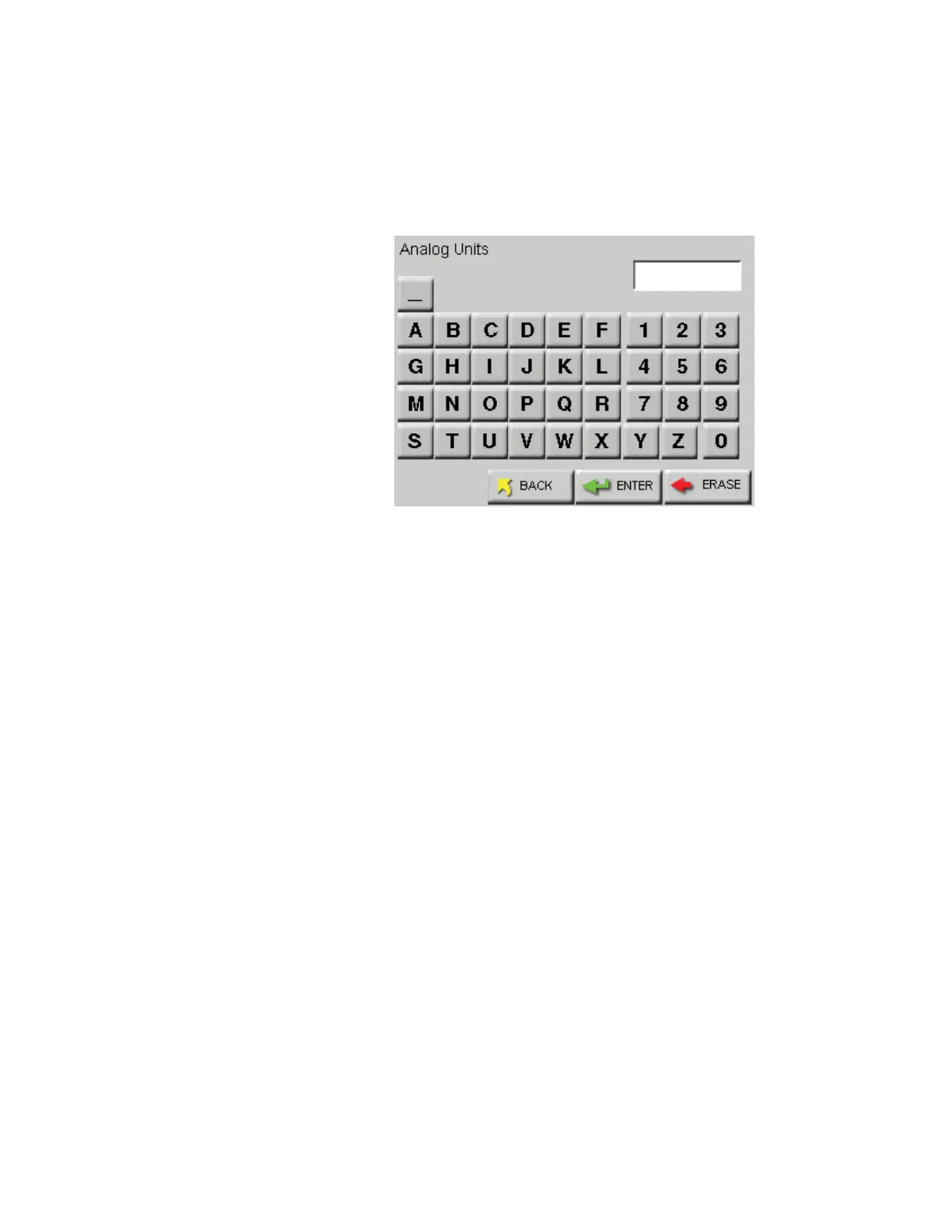
13. Enter the UNIT of measure (i.e., F for Fahrenheit, PCT for percent
humidity, etc.) for the analog channel and press ENTER. See Figure
4-5.
Figure 4-5 Analog Units Edit Screen
14. Continue in this same way to enable the other Analog channels as
desired.
15. Press BACK to return to the MAIN screen.
16. The Analog data can be viewed in the Zoomed Data View by
pressing on the white particle data area on the screen.
17. Press the Particle button to toggle to the Analog button.
18. Any of the enabled Analog channels will be displayed here.
19. Press anywhere on the white data screen to return to the MAIN
screen.










 To Next Page