Set up the Counter
248083387-1 Rev 10 4-15
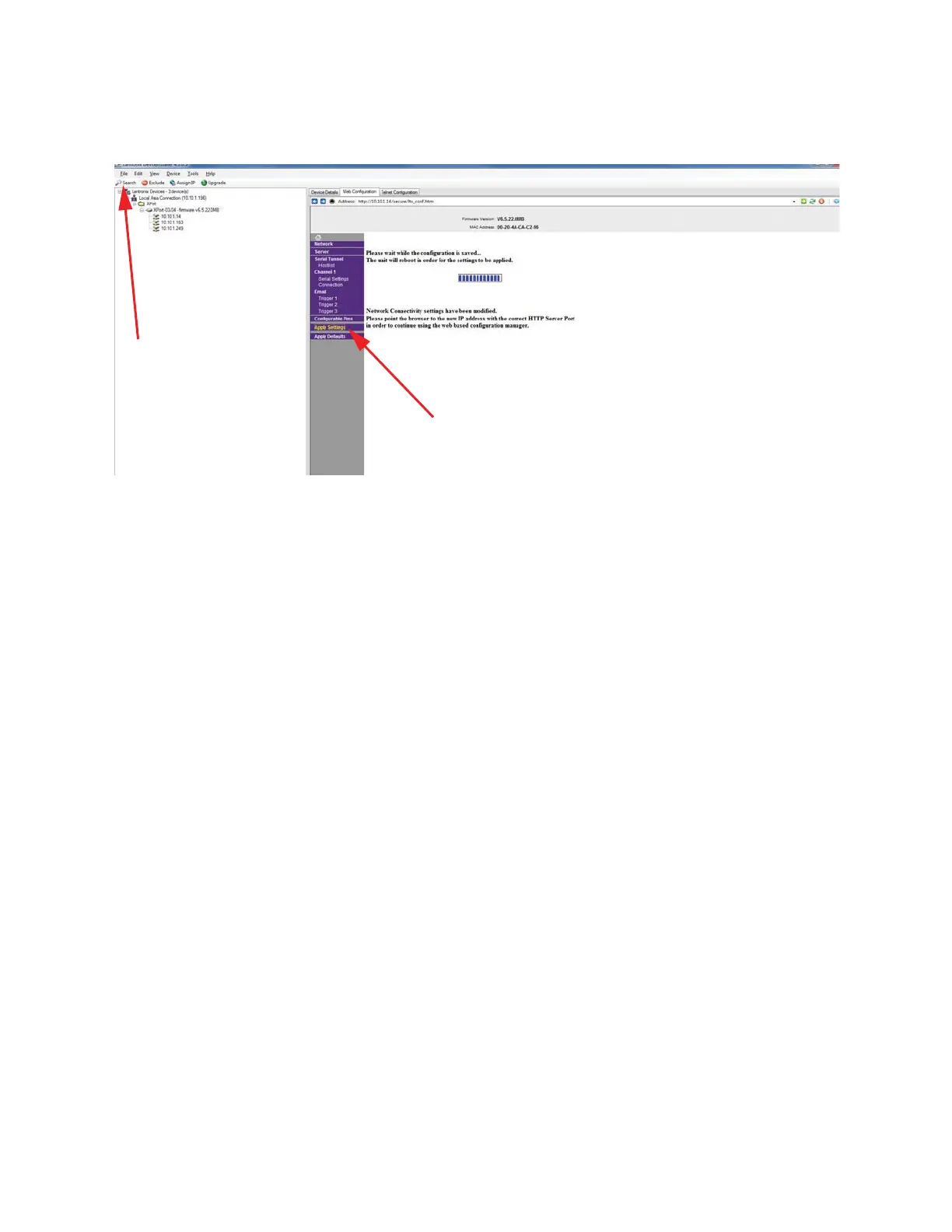
7. Select Apply Settings link to save the setting to the RS485
Ethernet Adapter as shown in Figure 4-12.
Figure 4-12 Apply Settings
8. Select the Search icon to refresh the attached devices and verify
that the IP Address for the RS485 Ethernet Adapter has been
changed.
If the Lantronix DeviceInstaller method has failed to provide access to
the instrument from a network or computer, the following sections will
prove to be valuable as a replacement of the Lantronix method. They
are more difficult in that they use DOS techniques to access the
instrument at the hardware level.
If this section fails to resolve the issues, contact Lighthouse Technical
Support, 1-800-945-5905 (541-770-5905 outside of USA) or
techsupport@golighthouse.com.
Apply Settings
Search Icon










 To Next Page