Operate Counter
248083387-1 Rev 10 6-13
To return the instrument to the default single-column zoom view, return
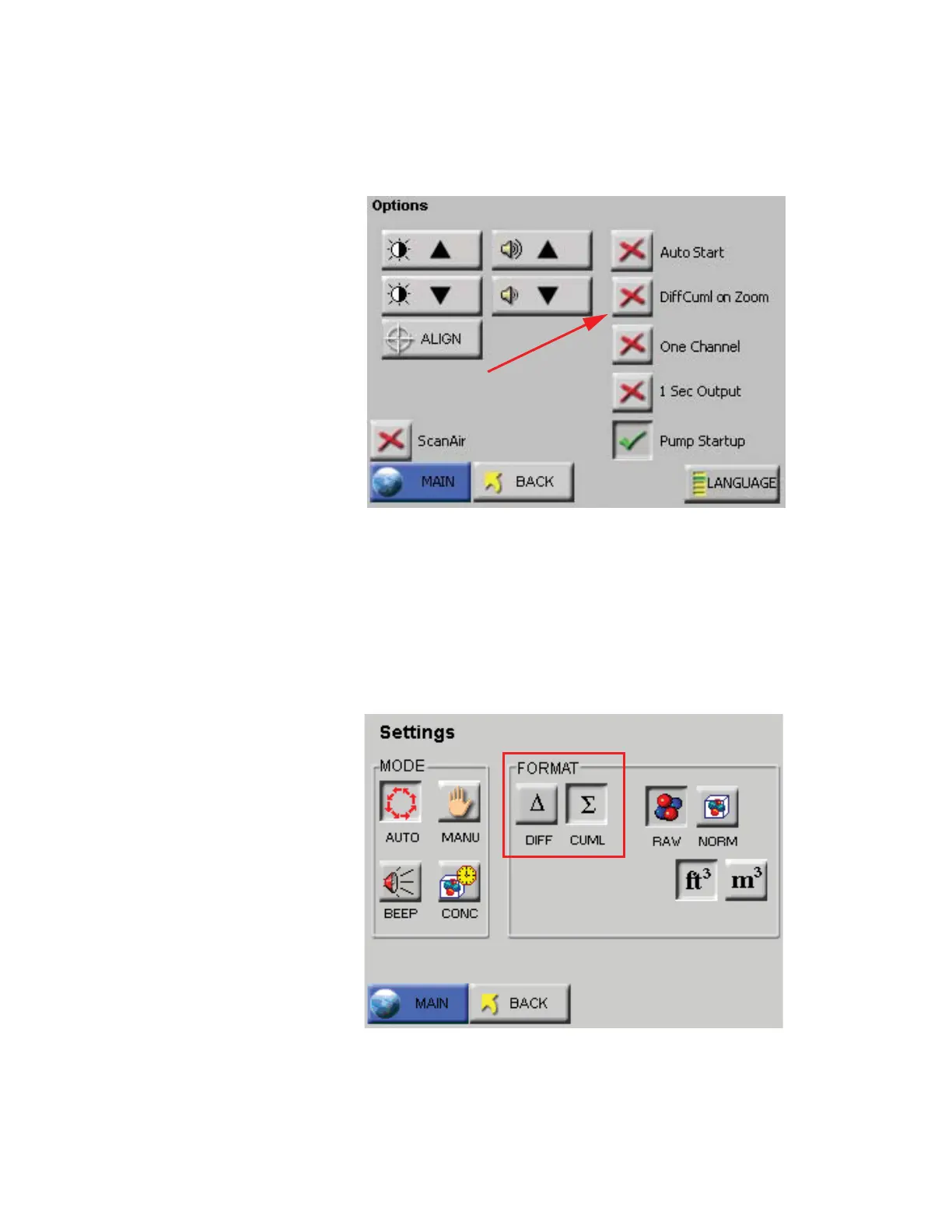
to the MAIN Screen view, press CONFIG, Options and deselect the
button “DiffCuml on Zoom” button. See Figure 6-13.
Figure 6-13 Disable DiffCuml on Zoom
Select the MAIN button to return to the MAIN Screen view or press
BACK to return to the previous level. Here, the user can choose what
data type is to be displayed in one column on the Zoomed View screen.
Go to the Settings screen and select Differential or Cumulative for the
data type. See Figure 6-14.
Figure 6-14 Settings Screen










 To Next Page