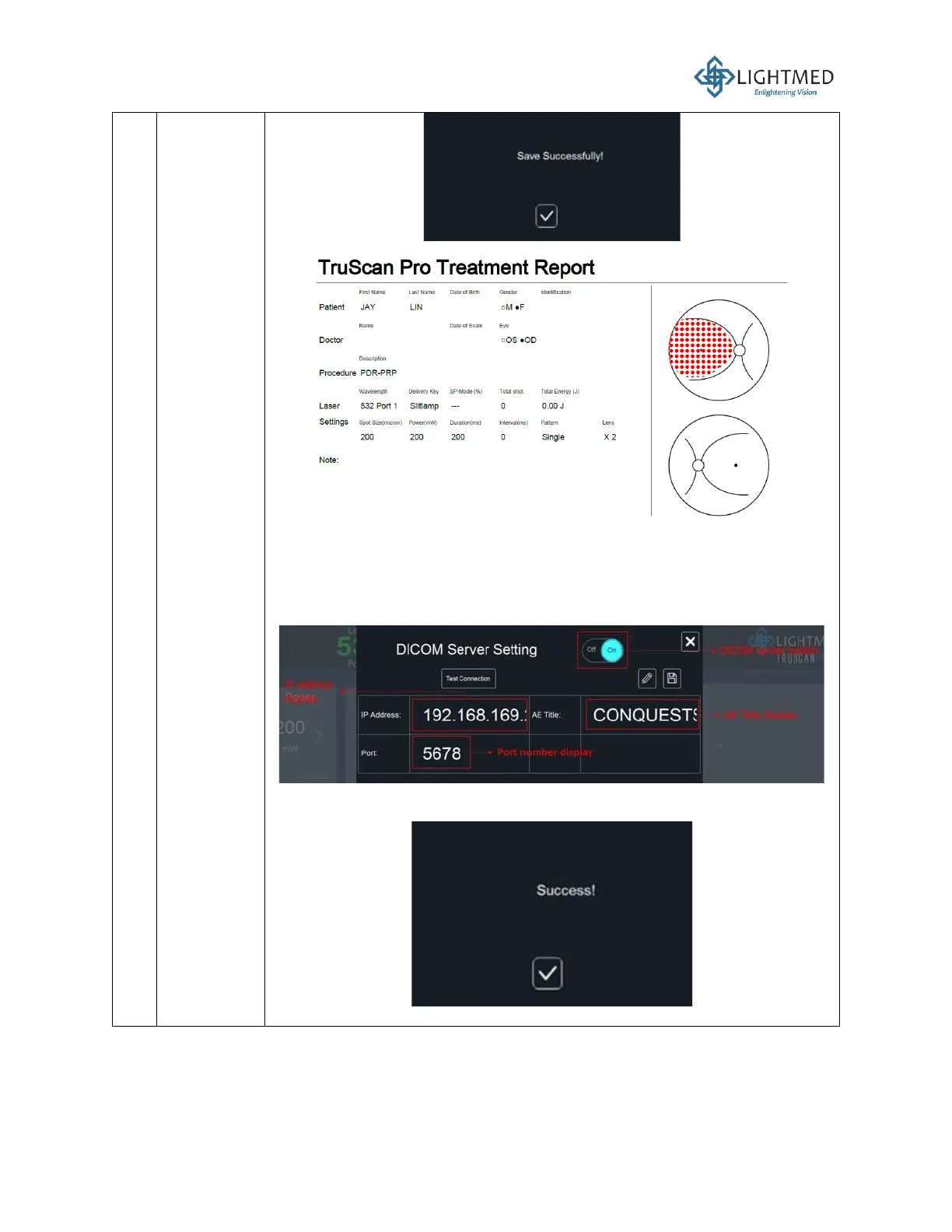
• If the user wants to connect to DICOM:
i. Press the “Setting” button on the Report menu.
ii. Make sure that the DICOM Server Setting is in the ON position.
iii. Press on the “Edit” (pencil) button to enter the IP address,
application entity (AE) title, and port number.
iv. After editing, click the “Test Connection” and wait for the
“Success” message to pop up.
v. On the Report menu, press “New” button. Enter the Patient ID.



 To Next Page