D9U001GKB-0101 63/150
Colposcope function
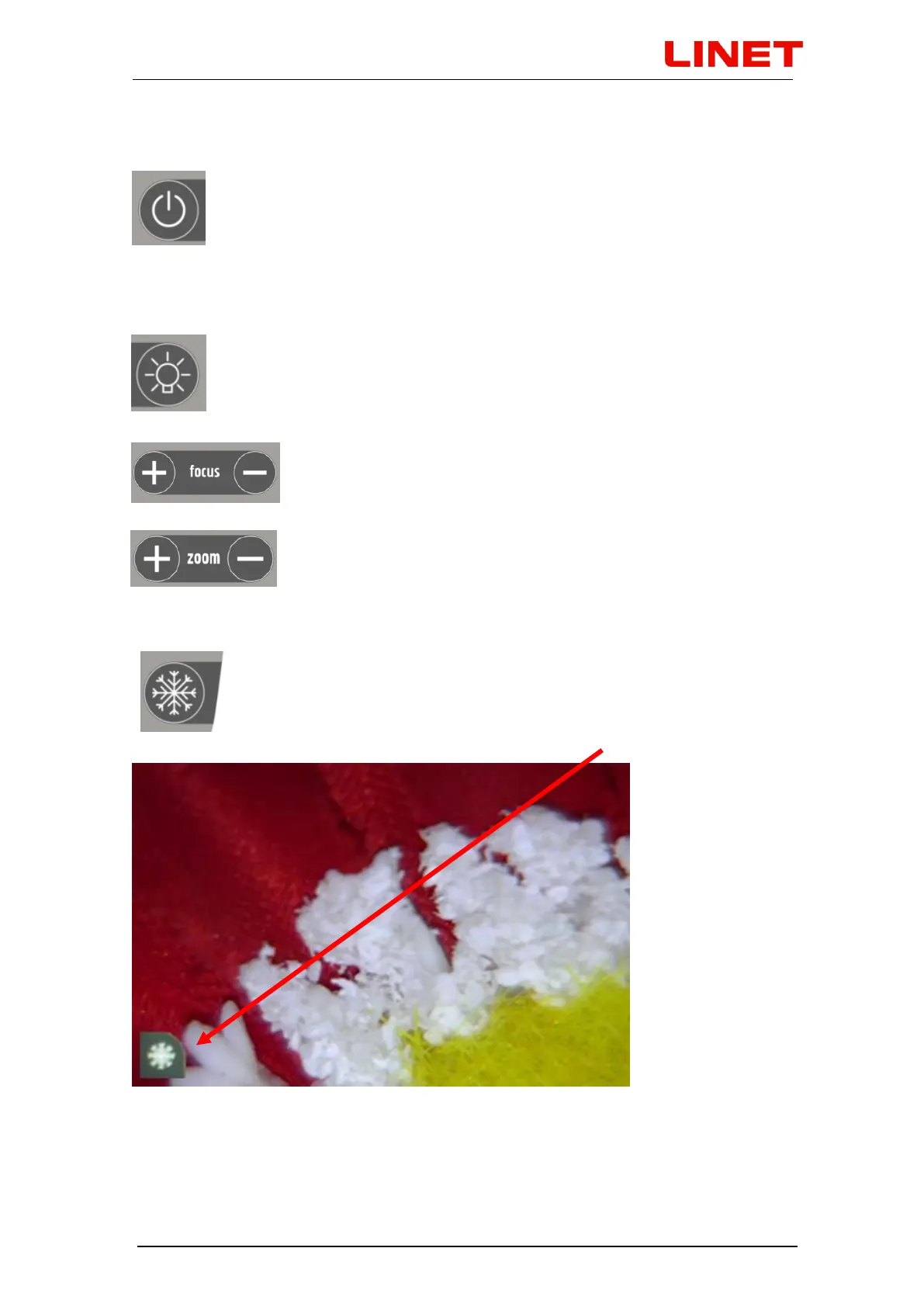
Colposcope is turned on by short press of left button in upper row.
The turned-on colposcope is indicated by a green diode located right
from the on/off button. Colposcope sleeping (passive mode) is then
activated by repressing the same button. If we want to turn the
colposcope completely off, we press the button long. If the colposcope is turned
off and the chair is connected to the electrical power network, the green diode
flashes.
To activate the colposcope LEDs, we press the right button in the
upper row. Repressing the LED, we switch the light again on. The
LED diode has two light intensities. Light intensitiy is switched by
pressing the button.
Colposcope is equipped with auto focus. Additional focusing
can be set also manually using the buttons pair „focus“.
Zooming / distancing (alternation in zoom) is then possible
using the buttons pair „zoom“. Pressing any of the buttons
pair activates automatic focusing. When is the video
colposcope turned on, the system remembers your previous zoom setting.
The button with a snowflake icon activates the freeze function on
the current image to allow deeper examination. Frozen image can
be sent to the connected PC using the button with camera icon.
Frozen image is indicated with a picture in the lower left corner of
the screen.


 To Next Page