64/150 D9U001GKB-0101
The undermost located button has function for switching the image to
the green filter mode.
Short pressing of the button with camera icon allows you to store
the current or frozen image to the memory of the GRACIE chair.
LED diode on the right of the button is blinking when a photo is
being taken. Upon long pressing of the button with camera icon,
the LED diode lights up, indicating recording of a video sequence. Pressing the
button with camera icon again stops the recording and the video sequence is
stored into the memory of the GRACIE chair. Data are stored in ".jpg" (photos)
and ".avi" (video) formats.
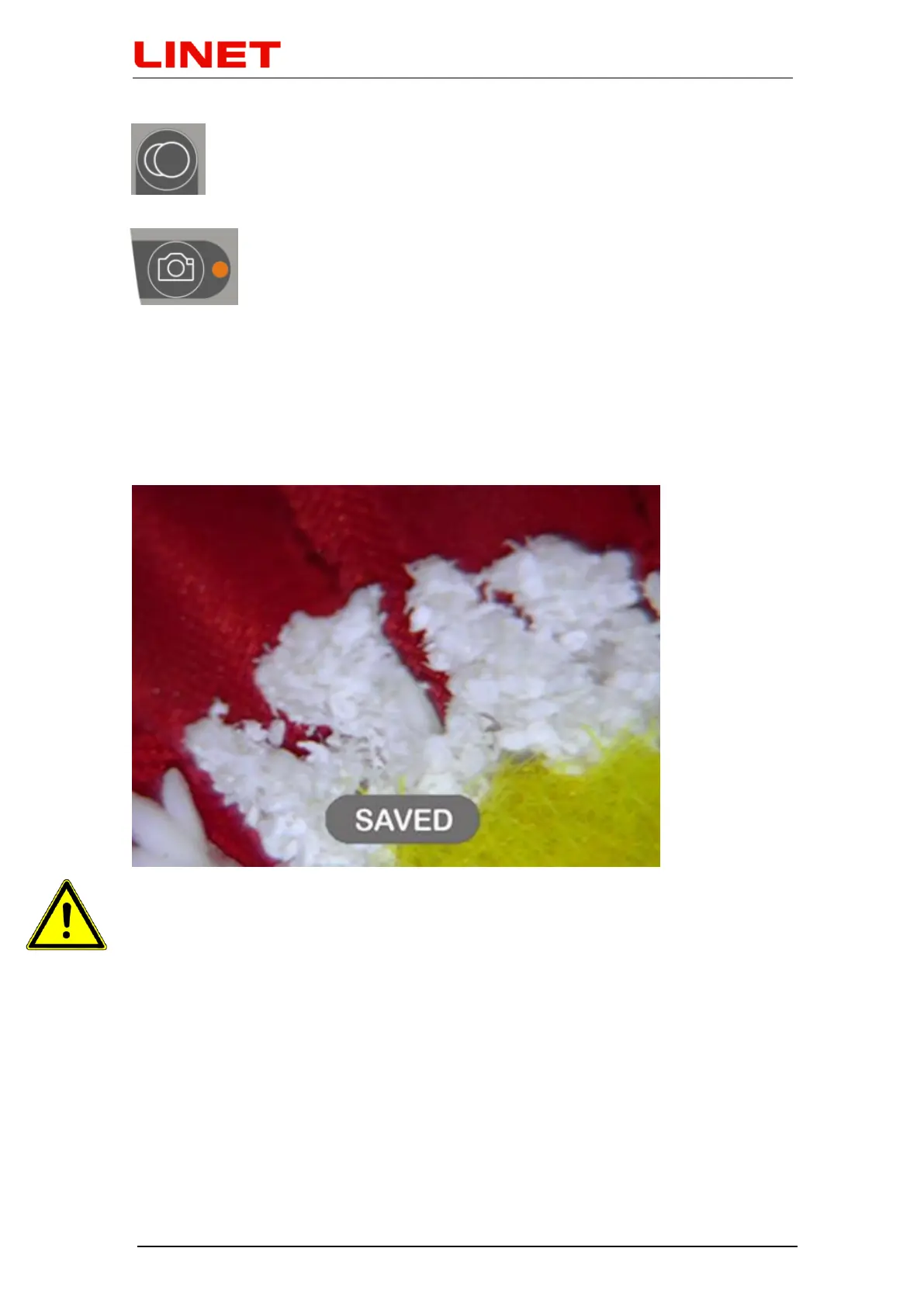
In the GKB-AX version the "SAVED" icon confirms by short blinking that
photos/videos have been saved in the chair memory.
Colposcope works only when the chair plug is connected to the electric
network.


 To Next Page