D9U003VS0-0101_01
39
OptiCare for Multicare
Mattress Detection System (MDS)
Sensors in the System Control Unit (SCU) Area A, B and ODV mattress air connectors detect that a valid air connector has been
connected. When all three correct air connectors are detected, the SCU will enter Standby mode. In Standby mode mattress areas
A and B are inflated to a static pressure ready for a patient to be placed onto the mattress and Optimization to start.
11.1 SCU (System Control Unit)
WARNING!
OptiCare mattress is compatible with System Control Unit delivered by manufacturer only!
► Do not use any other System Control Unit with OptiCare mattress!
CAUTION!
Material damage due to incorrect installation of SCU!
► If the SCU does not come factory-tted, have it installed by a service engineer authorised by LINET ®.
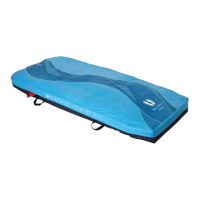
11.2 Replacing the mattress
When replacing the OptiCare mattress with an alternative active mattress from the LINET integrated systems, the system will
automatically detect that type of mattress that has been connected and switch to the correct Multiboard control screen. If replacing
the OptiCare mattress with one that is not from the LINET integrated systems range then you will need to cancel the Mattress Not
Connected alarm.
Logging out the OptiCare:
When replacing the OptiCare mattress by a mattress that is not part of the LINET OptiCare integrated mattress range, it is necessa-
ry to log out OptiCare.
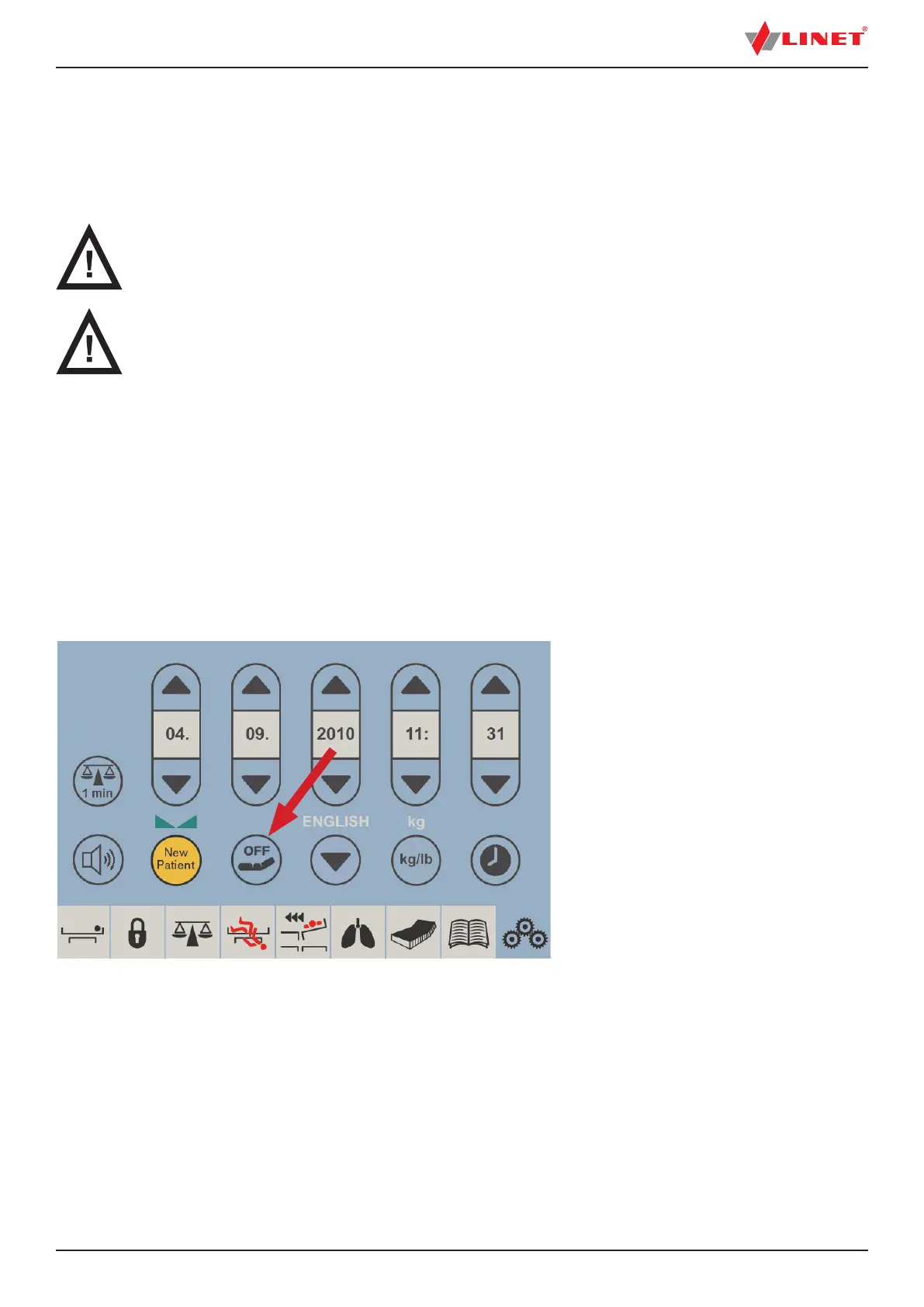
► Press and hold Mattress OFF Icon on the Settings Screen.
► Cancel the MATTRESS NOT CONNECTED alarm.
Fig. Mattress OFF Icon on the Settings Screen


 To Next Page