D9U003VS0-0101_01
45
OptiCare for Multicare
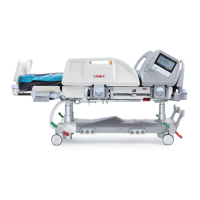
12.4.3 MATTRESS INFLATION
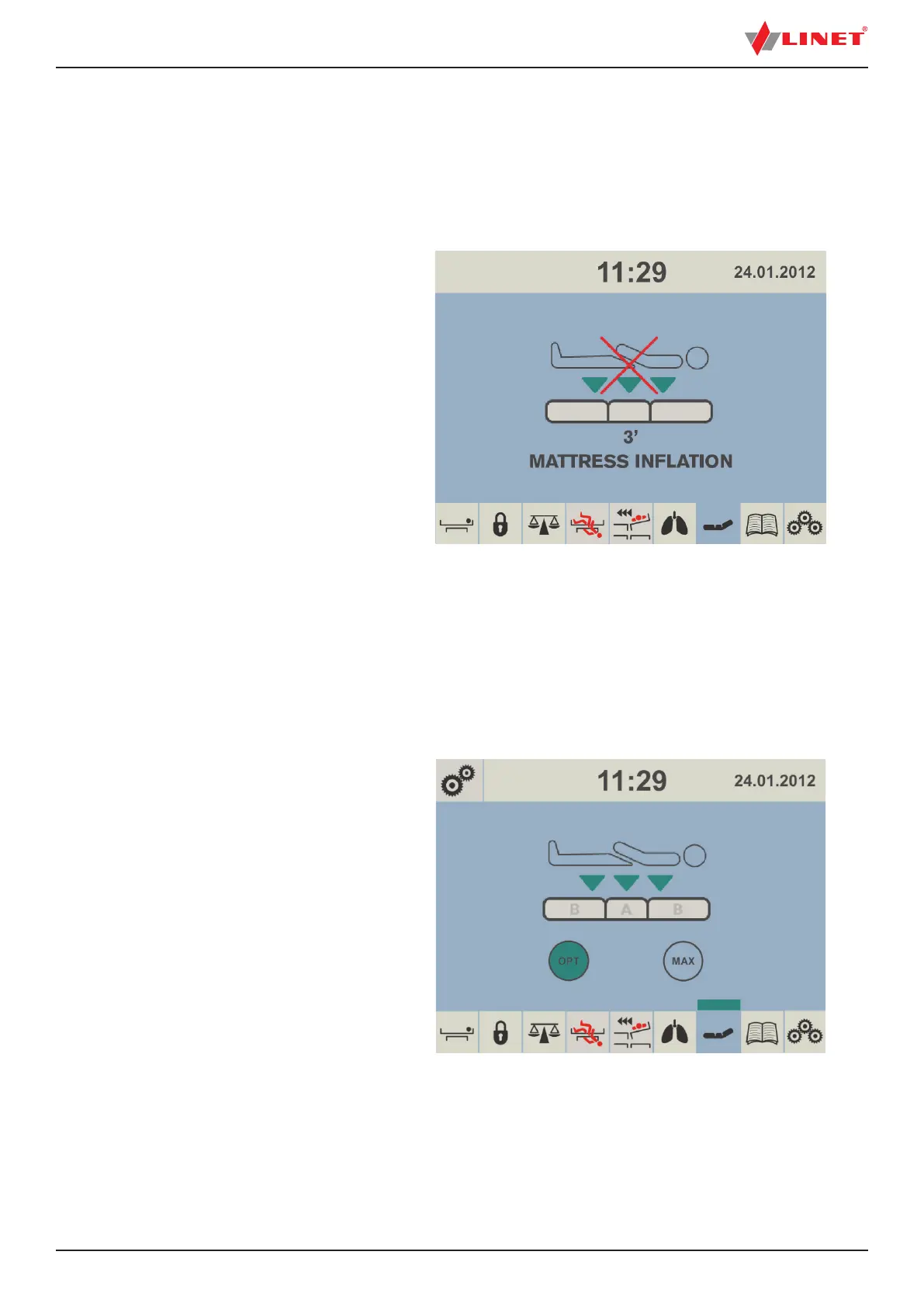
When OptiCare mattress is identi ed it is not prepared for a patient because mattress is not in ated enough.
NOTE: Number above the text „MATTRESS INFLATION“ indicates in ation countdown.
To achieve minimum in ation of the mattress:
► wait until in ation countdown disappears.
Fig. Mattress In ation Screen
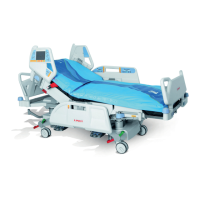
Fig. Mattress Prepared for Patient
12.4.4 MATTRESS PREPARED FOR PATIENT
When red cross over the mattress patient icon disappears the mattress is ready for a patient.
NOTE: Flashing OPT icon indicates continuing in ation.
To use the mattress:
► position patient on the mattress.



 To Next Page