SCPC System • Replacing components
48 CP_SEM_60-03-00.002
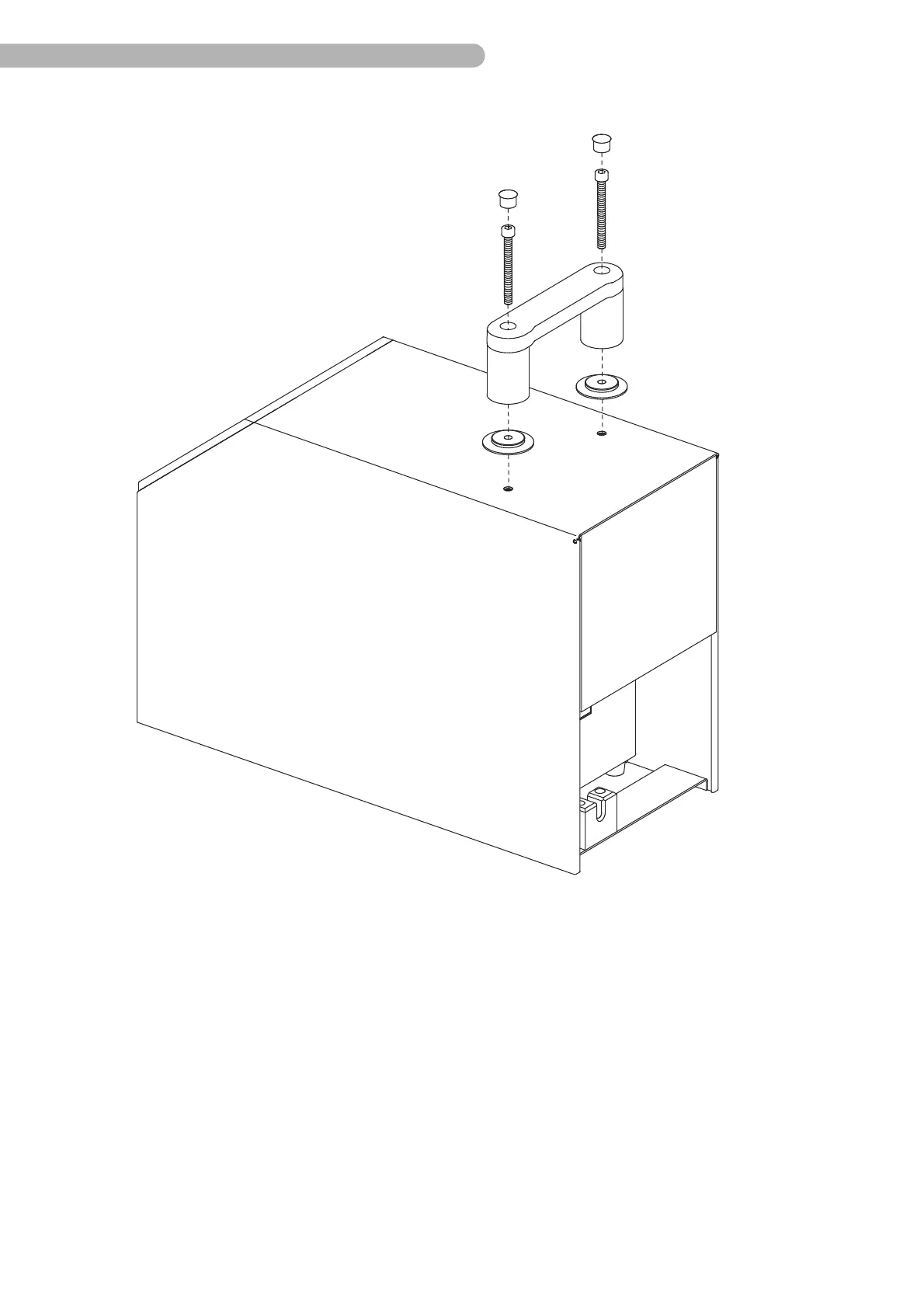
fig. 18: Unfastening the grip
◗ Place the SCPC System upright once more.
◗ Remove the two plastic caps on the grip.
◗ Unfasten both screws (Allen key 5) in the grip.
◗ Take off the grip including the spacing washers.



 To Next Page