SCPC System • Replacing components
CP_SEM_60-03-00.002 63
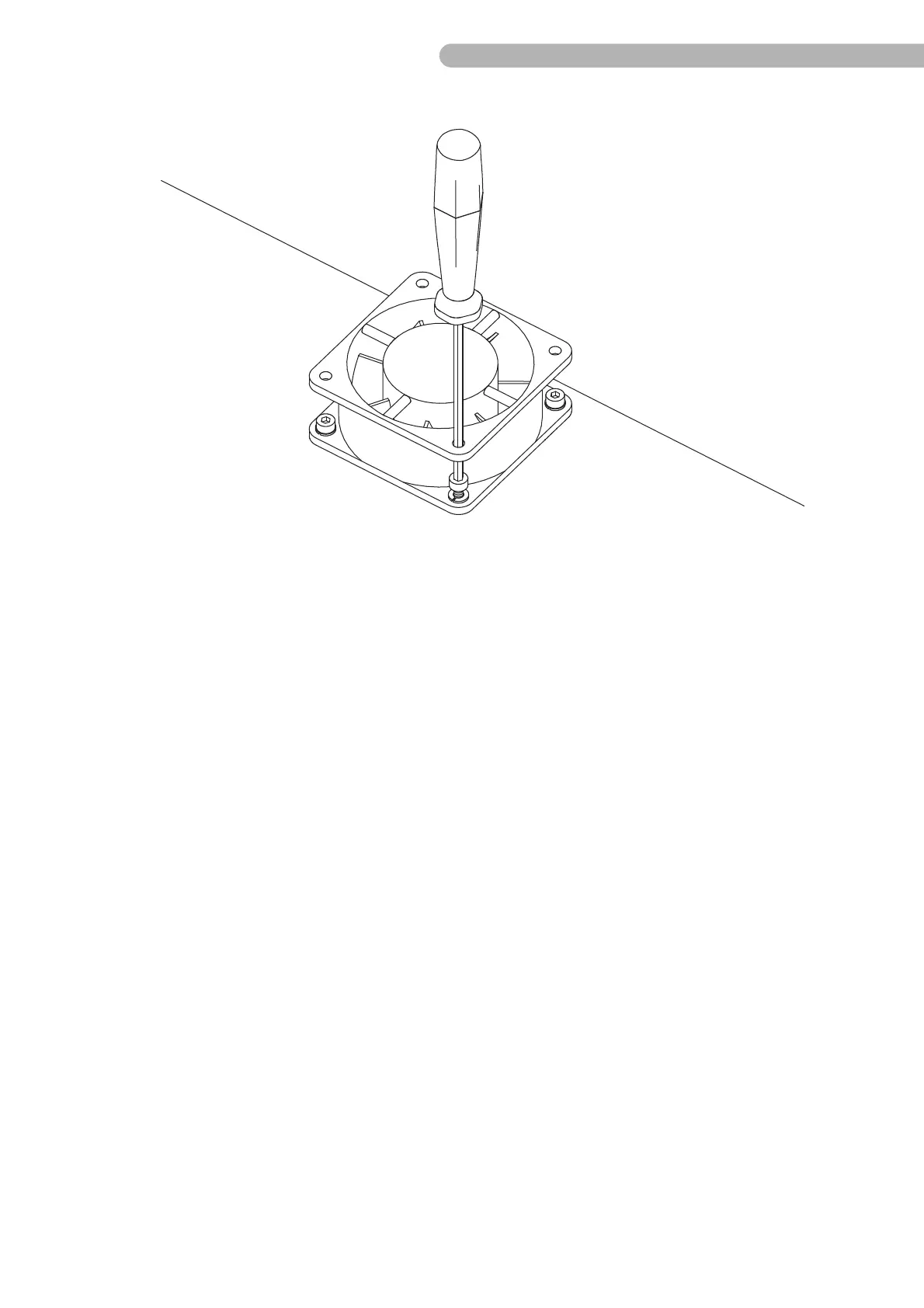
fig. 34: Removing the fan
◗ Unfasten the four screws on the fan as shown A 12 (Allen key size 2.5) including the washers.
◗ Disconnect the connector C 12 on the backplane circuit board.
◗ Detach any cable clips that prevent the fan from being removed.
Assemble the new fan in reverse order.



 To Next Page