16 17
Getting Started
Getting Started
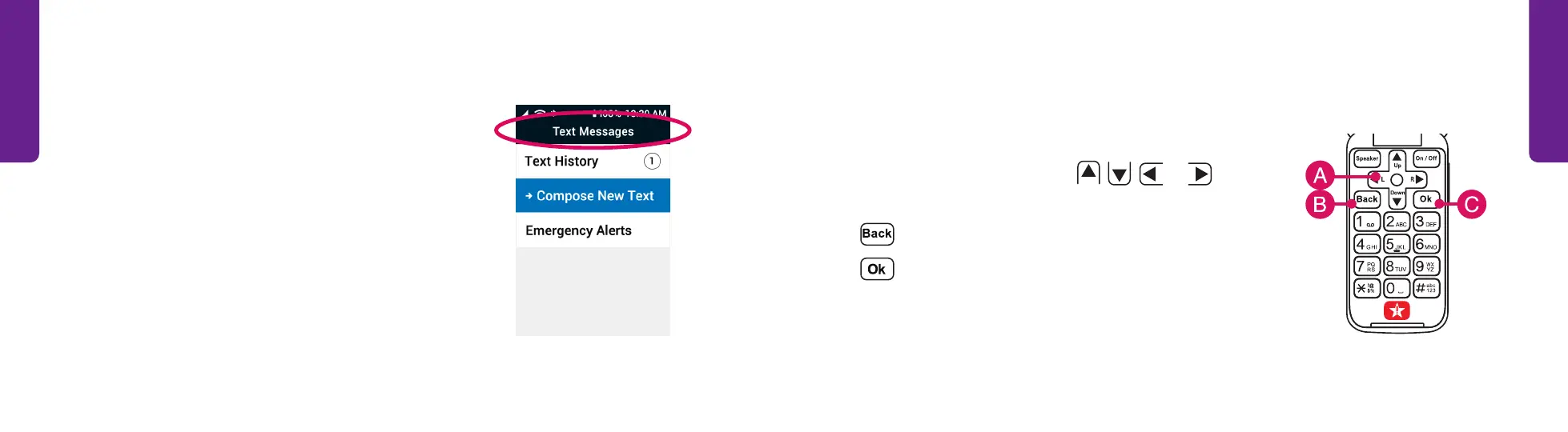
Navigation Buttons
At the top of your keypad you will find the six buttons
that are used to navigate your phone.
A. Directional Arrows – Press
,
,
L
or
R
to
navigate through the phone’s menus.
B. – Takes you one step back from your last action.
C. – Confirms a selection.
Title Bar
The Title Bar at the top of the menu shows the name
of the screen you are viewing.



 To Next Page