128 129
Changing Settings
Changing Settings
Accessibility (continued)
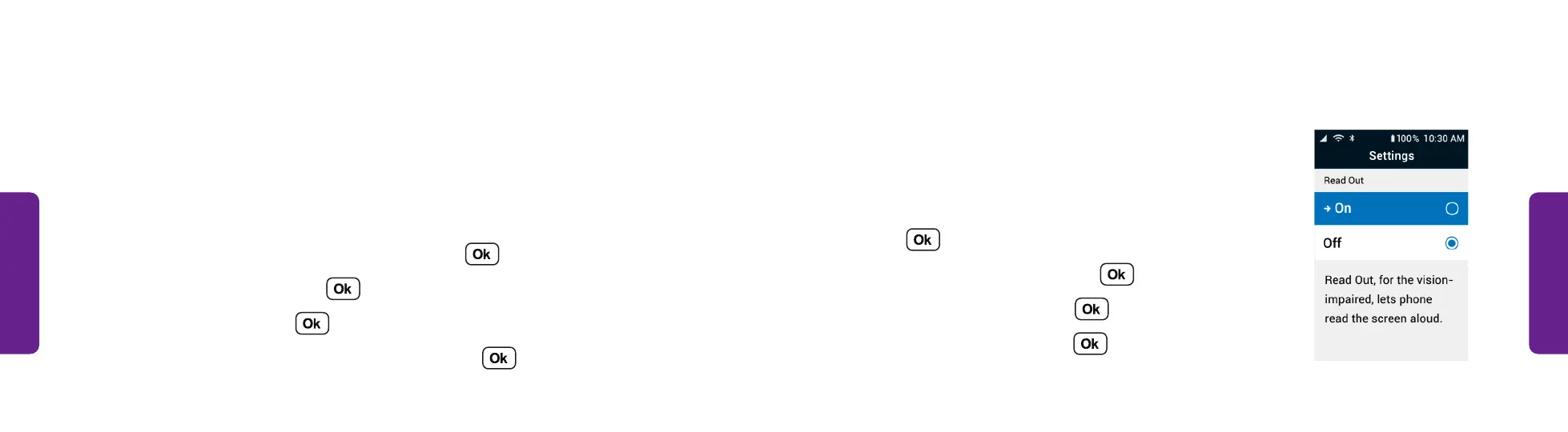
Turning Read Out On or Off:
Turning on Read Out sets the phone to read screen
content out loud to you.
1. From the Main Menu, select Settings and
press .
2. Select Accessibility and press .
3. Select Read Out and press .
4. Select On or Off and press .
STEP 4
Accessibility
The Accessibility settings let you customize settings to make it easier to use
the phone.
Changing the Text Size:
You can increase the Text Size the phone uses to make it easier to read.
1. From the Main Menu, select Settings and press .
2. Select Accessibility and press .
3. Select Text Size and press .
4. Select Regular (default) or Extra Large and press .



 To Next Page