26 27
Learning The Basics
Learning The Basics
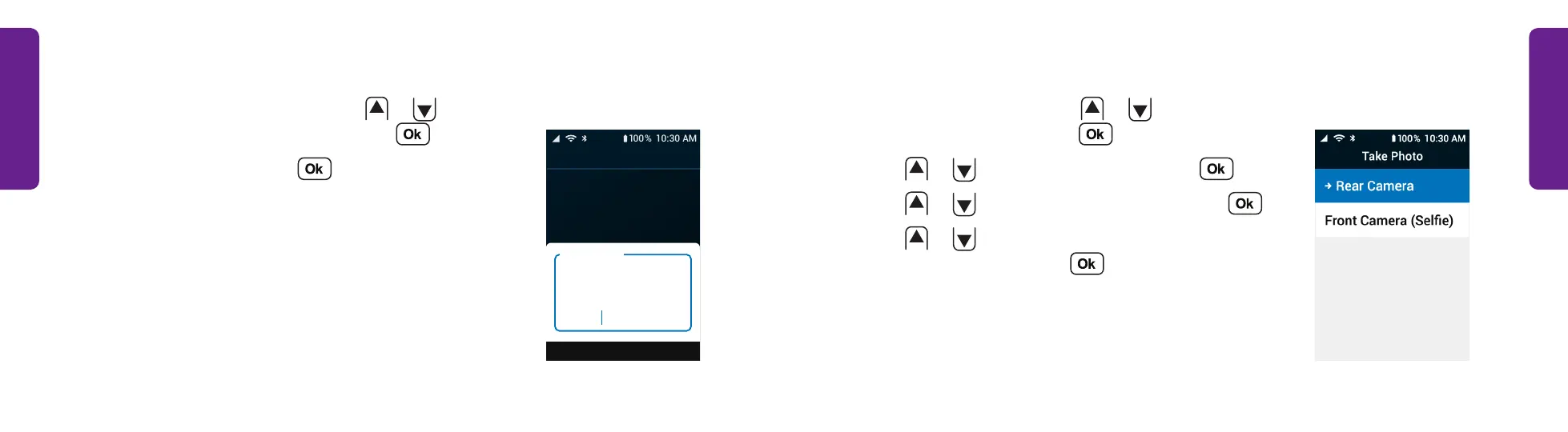
Taking a Photo
1. From the Main Menu, press
or
to select
Photos & Videos and press .
2. Press
or
to select Camera and press .
3. Press
or
to select Take Photo and press .
4. Press
or
to select Rear Camera or Front
Camera (Selfie) and press .
STEP 4
Sending a Text Message (continued)
4. Enter the 10-digit number or press
or
to
select a contact from the list and press .
5. Type a message and press to send.
See "Typing Text Messages with the Keypad" on page
59 for help typing a message.
Jamey, here. Would
you like to be my
guest this week at
Bingo?
Your Message
Mode: Abc
(555) 555-1237
STEP 5



 To Next Page