94 95
Helpful Tools
Helpful Tools
Clock (continued)
Deleting an Alarm:
1. From the Main Menu, select Help Tools and press .
2. Select Clock and press .
3. Select the alarm you want to delete and press .
4. Select Delete Alarm and press .
5. Select Delete Alarm again and press .
Clock • Set the alarm clock (continued):
7. If you want the alarm to repeat, select Yes under
Repeat Alarm? and press . Select when you
want the alarm to repeat and press .
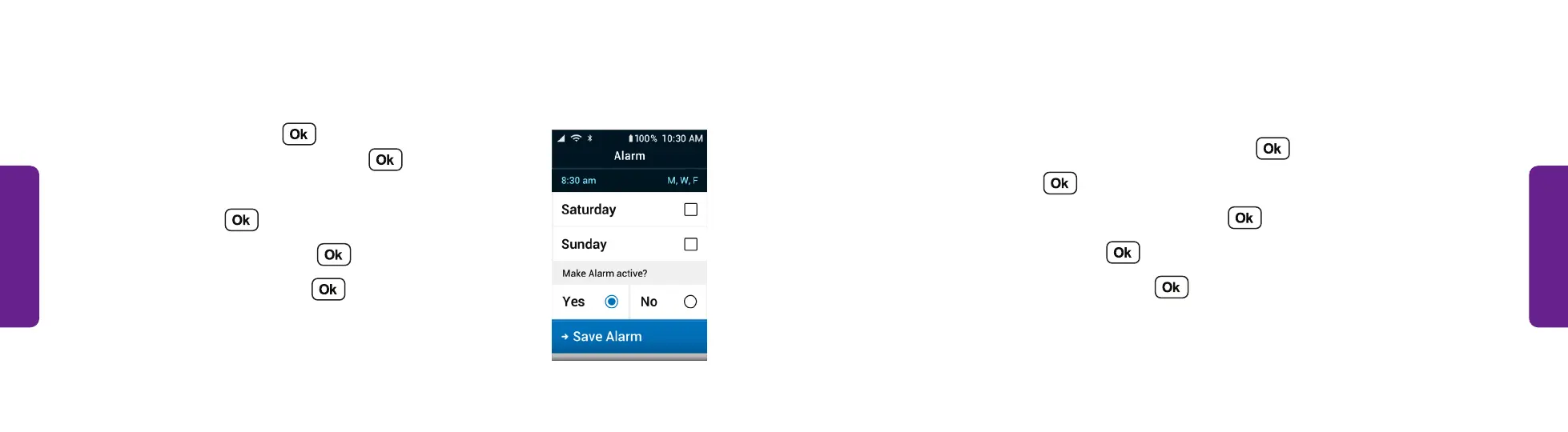
8. To turn on the alarm, select Yes under Make alarm
active? and press .
9. Select Save Alarm and press .
10. When the alarm rings, press to turn the
alarm off.
STEP 9



 To Next Page