132 133
Changing Settings
Changing Settings
Tips
Tips shows helpful information about how to navigate and use the phone.
1. From the Main Menu, select Settings and press .
2. Select Tips and press .
3. Select On or Off and press .
Accessibility (continued)
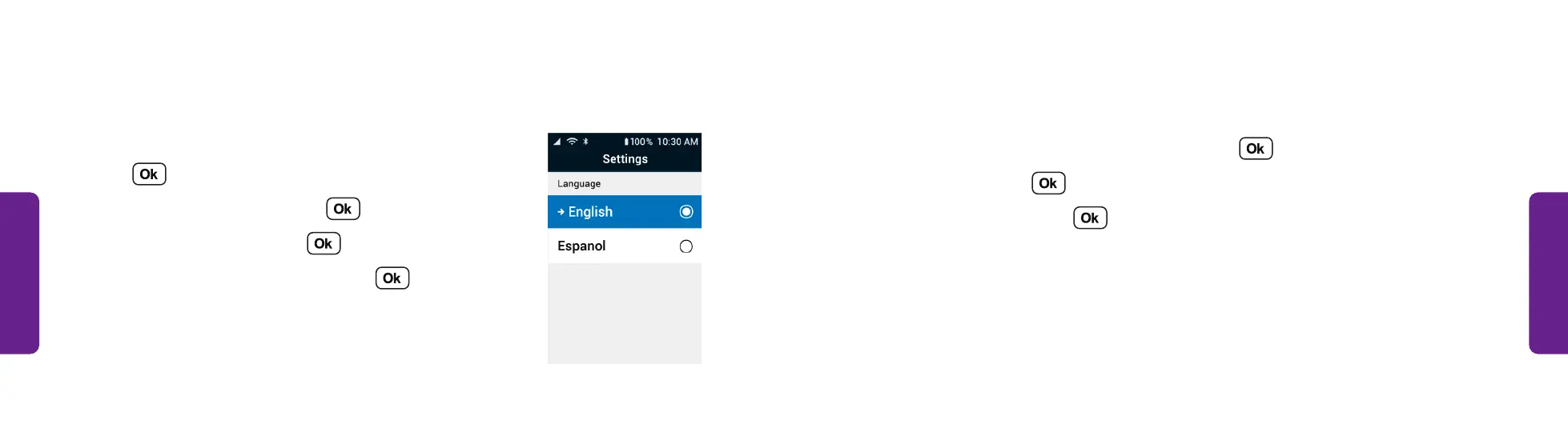
Changing the Phone’s Language:
1. From the Main Menu, select Settings and
press .
2. Select Accessibility and press .
3. Select Language and press .
4. Select English or Español and press .
STEP 4



 To Next Page