28 29
Learning The Basics
Learning The Basics
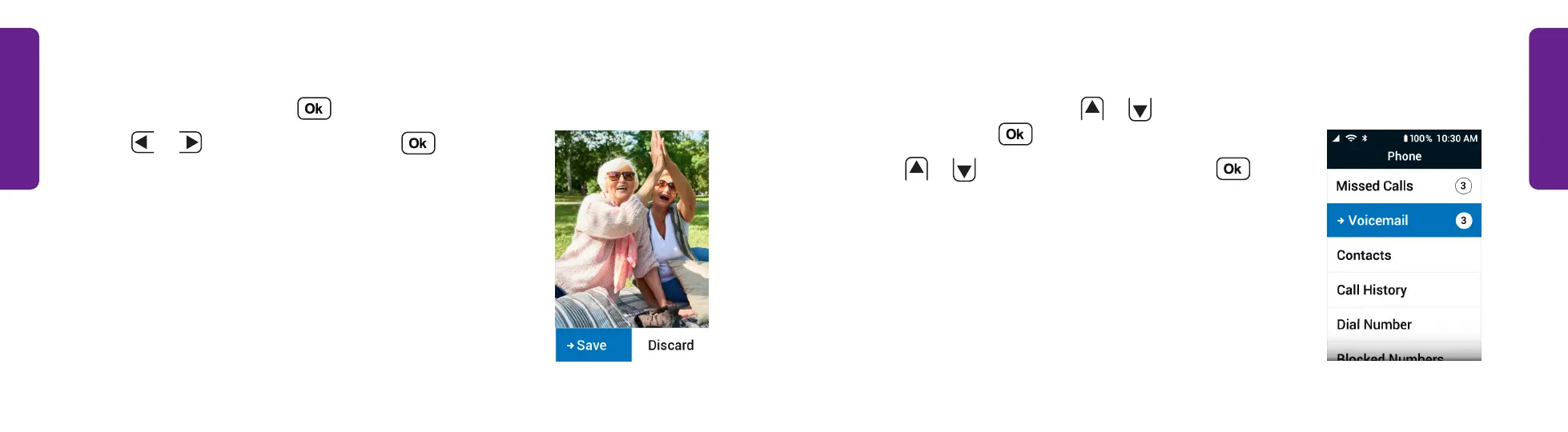
Setting Up Your Voicemail Greeting
1. From the Main Menu, press
or
to select
Phone and press .
2. Press
or
to select Voicemail and press .
The phone dials your voicemail.
3. Follow the prompts using the keypad to record
your greeting.
STEP 2
Taking a Photo (continued)
5. Aim the camera and press to take a picture.
6. Press
L
or
R
to select Save and press to
keep the picture.
STEP 6



 To Next Page