116 117
Changing Settings
Changing Settings
Volumes & Sounds • Adjusting Volume Levels with
Locked Volume Buttons (continued):
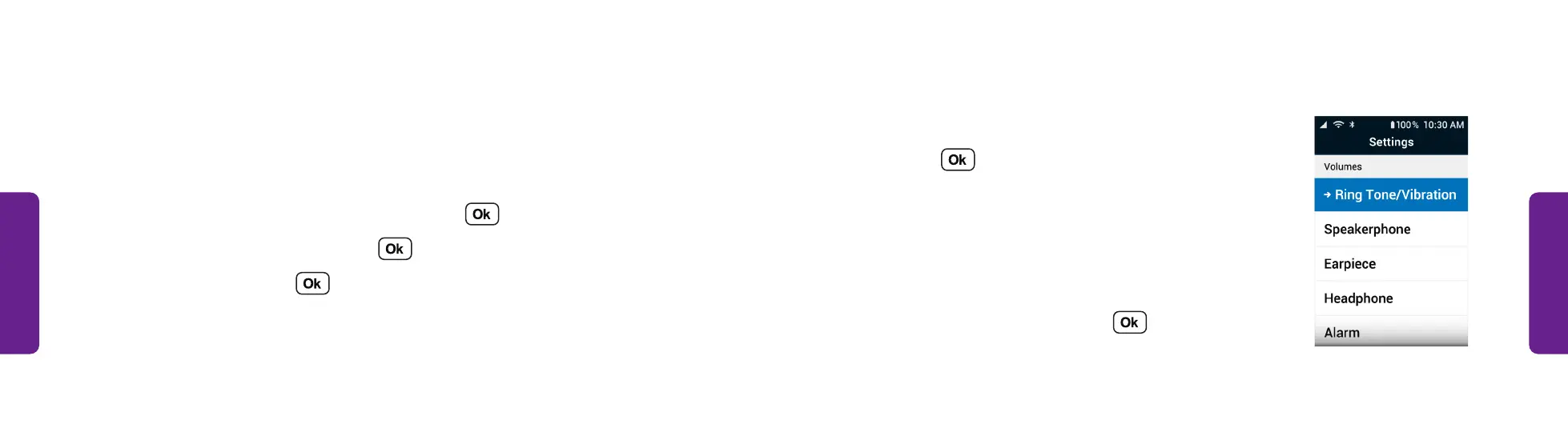
4. Select what you want to change the volume of
and press . You can change the volume of:
• Ring Tone/Vibration
• Speakerphone
• Earpiece
• Headphone
• Alarm
5. Select a volume level and press .
STEP 4
Volumes & Sounds (continued)
Adjusting Volume Levels with Locked Volume Buttons:
If the exterior volume buttons are turned off, you can adjust the volume in the
Settings menu:
1. From the Main Menu, select Settings and press .
2. Select Volumes & Sounds and press .
3. Select Volumes and press .



 To Next Page