22 23
Learning The Basics
Learning The Basics
Making a Call
Dialing a Phone Number:
1. Open the phone. The Main Menu displays.
2. Dial the 10-digit number on the keypad, and press
to call.
Adding a Contact (continued)
5. Press
or
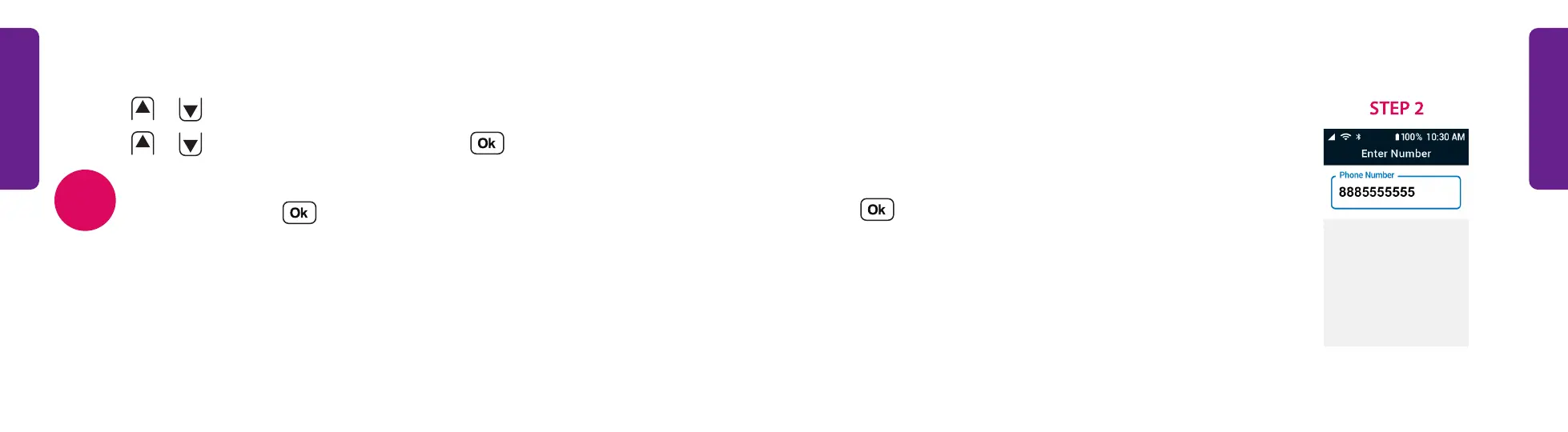
to select Phone Number and use the keypad to enter the number.
6. Press
or
to select Save Contact and press .
After a contact is saved, you can select their name in your phone menu
Contacts and press to call them.
NOTE



 To Next Page