112 113
Changing Settings
Changing Settings
Volumes & Sounds (continued)
Adjusting the Headphone Volume Level:
You can adjust the headphone volume while listening
to the radio, a call or other audio. To adjust the
headphone volume:
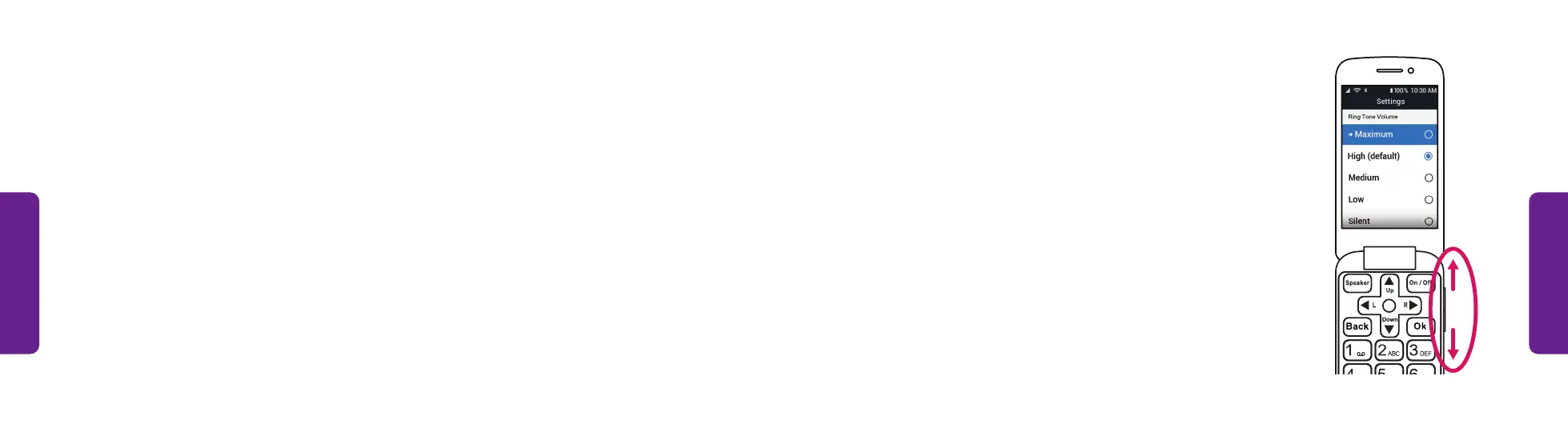
• Press the volume buttons on the side of the
phone. A screen shows the current volume level.
Volumes & Sounds (continued)
Adjusting the Call Volume Level:
You can raise or lower the speakerphone, earpiece or headphone volume level while
on a call. To adjust the volume:
• Press the volume buttons on the side of the phone. A screen shows the current
volume level.



 To Next Page