56 57
Text Messages
Text Messages
Sending New Text Messages
1. From the Main Menu, select Text Messages and press .
2. Select Compose New Text and press .
3. Choose either From Contacts or New Number and press .
4. Select the recipient from Contacts or enter the phone number.
5. Use the keypad to type a message and press to send.
Reading and Replying to Text Messages (continued)
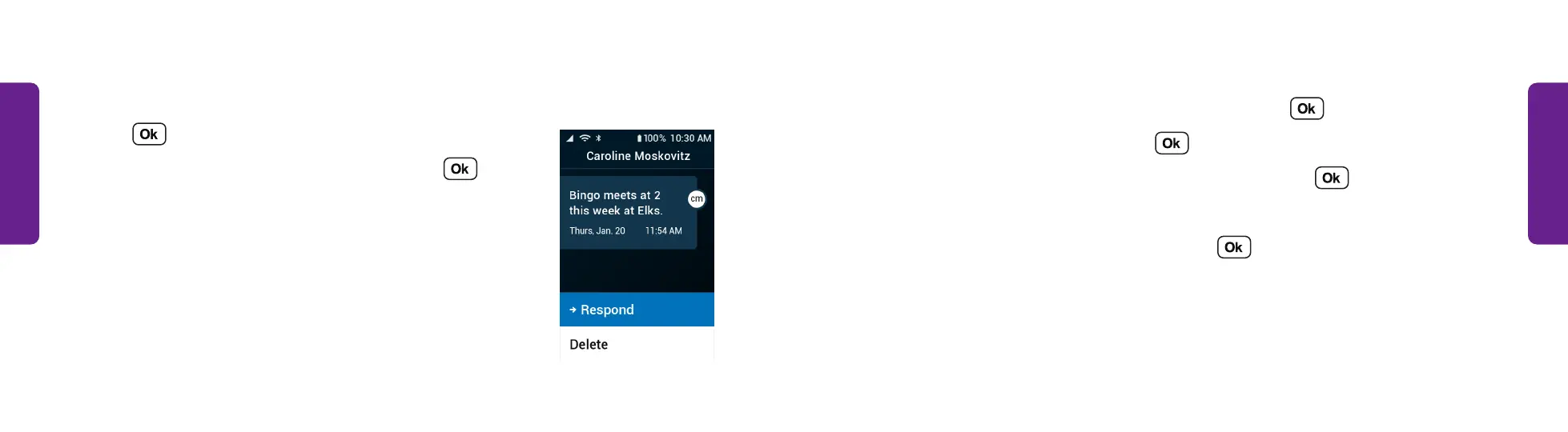
4. Select Respond to reply to the message and
press .
5. Use the keypad to type a message and press
to send.
STEP 4



 To Next Page