106 107
Changing Settings
Changing Settings
Urgent Response Service (continued)
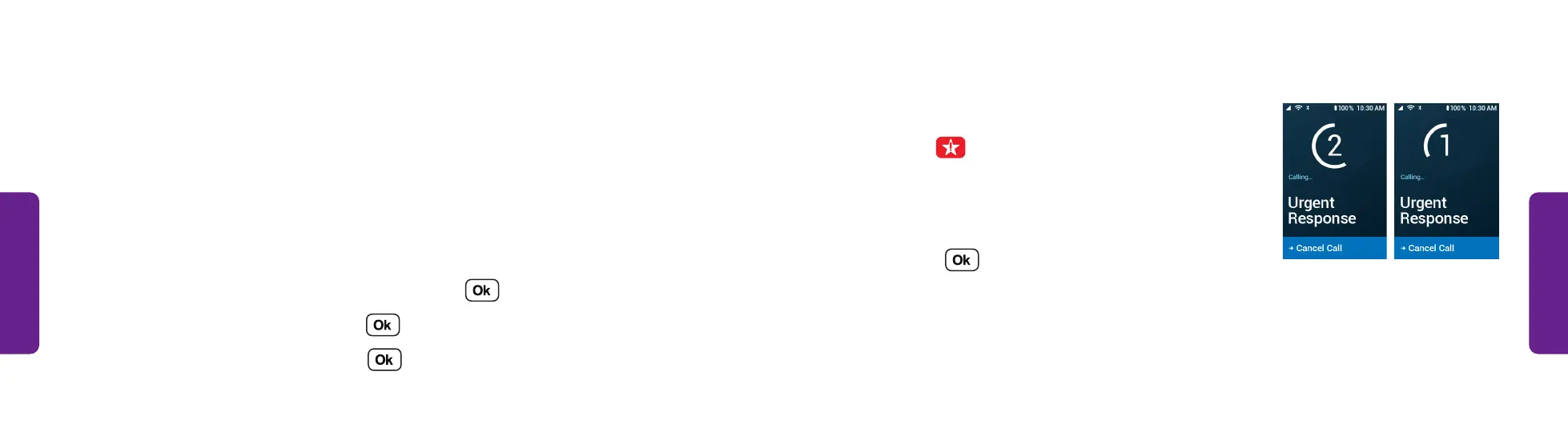
To place an Urgent Response call:
• Press the button to call Urgent Response in an
uncertain or unsafe situation.
The phone counts down aloud and on-screen
before the call is placed. If you need to cancel the
call, press .
Urgent Response Service
The Urgent Response button on your Lively Flip gets you access to GreatCall’s unique
Urgent Response Service. This service provides easy-to-use and reliable access to
IAED-Certified Urgent Response Agents who will confirm your location, evaluate
your situation, and get you the help you need. This feature is available with all Lively
Health & Safety Packages.
To enable or disable the Urgent Response button:
1. From the Main Menu, select Settings and press .
2. Select Urgent Response and press .
3. Select Enable or Disable and press .



 To Next Page