136 137
Changing Settings
Changing Settings
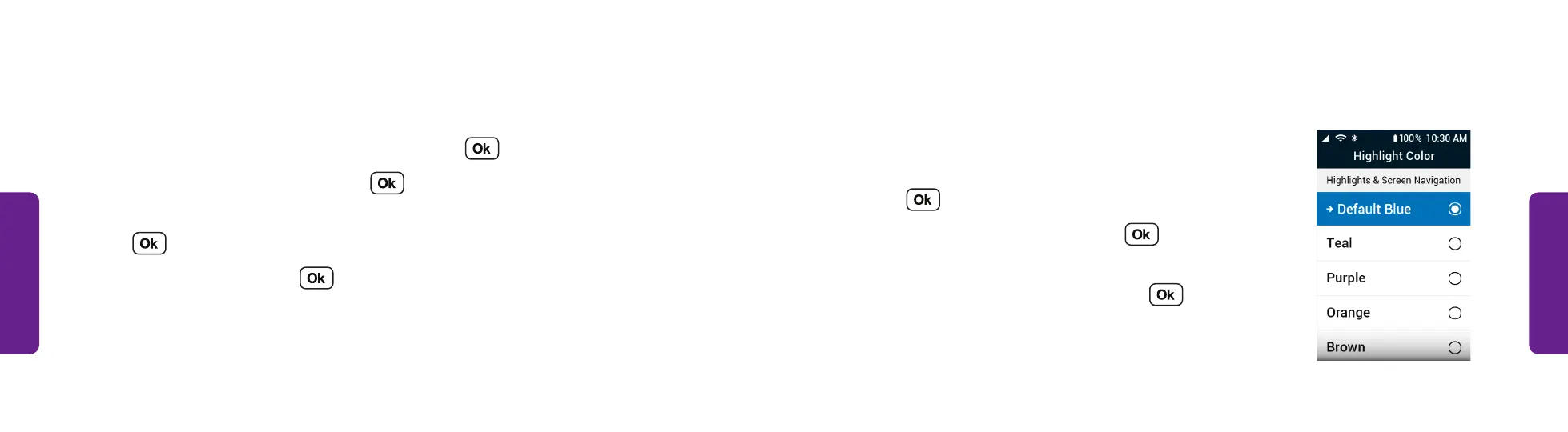
Color Options
You can customize the color the phone uses to
highlight a menu item for screen navigation.
1. From the Main Menu, select Settings and
press .
2. Select Highlight Color and press .
3. Select the color the phone should use when
highlighting a menu item and press .
STEP 3
Emergency Alerts (continued)
Changing How Emergency Alerts are Received:
1. From the Main Menu, select Settings and press .
2. Select Emergency Alerts and press .
3. Toward the bottom of the screen, select Vibrate Alert or Audio Alert and
press .
4. Select On or Off and press .



 To Next Page