24 25
Learning The Basics
Learning The Basics
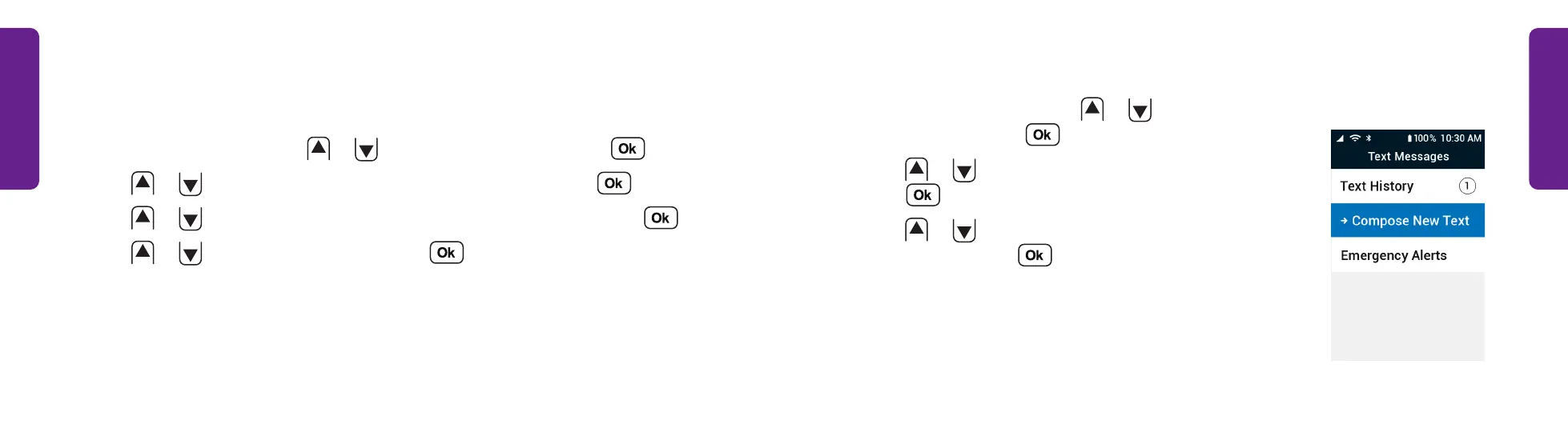
Sending a Text Message
1. From the Main Menu, press
or
to select Text
Messages and press .
2. Press
or
to select Compose New Text and
press .
3. Press
or
to select New Number or From
Contacts and press .
Making a Call (continued)
Calling an Existing Contact:
1. From the Main Menu, press
or
to select Contacts and press .
2. Press
or
to select a contact's name from the list and press .
3. Press
or
to select the phone number you want to call and press .
4. Press
or
to select Dial Call and press .
STEP 2



 To Next Page