118 119
Changing Settings
Changing Settings
Notifications (continued)
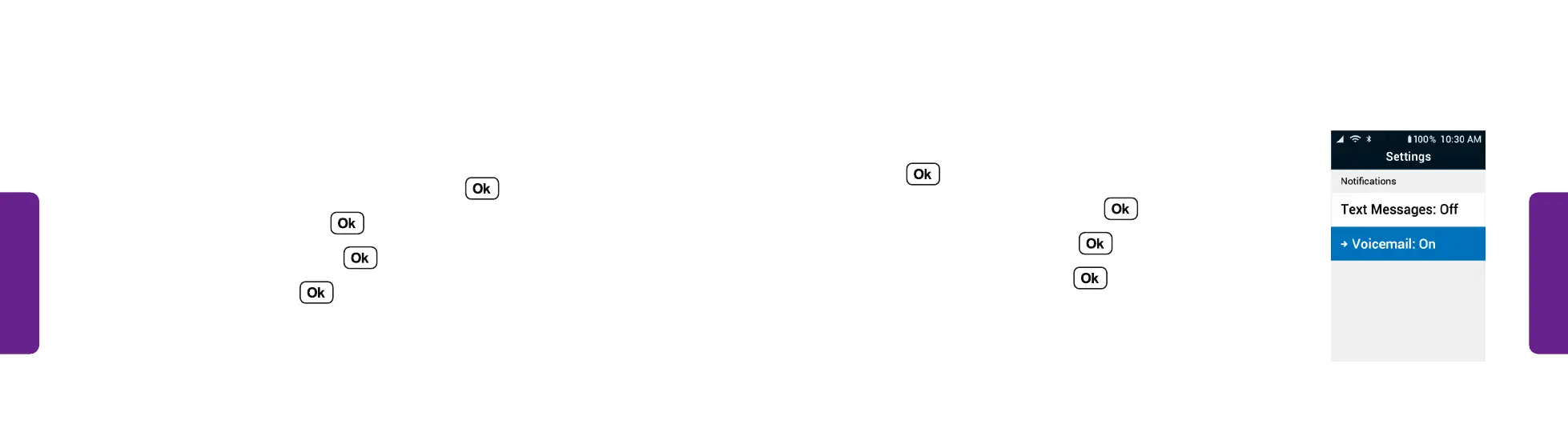
Turning Voicemail Notifications On or Off:
1. From the Main Menu, select Settings and
press .
2. Select Notifications and press .
3. Select Voicemail and press .
4. Select On or Off and press .
STEP 3
Notifications
Choose whether to be notified when you receive text messages or voicemails.
Turning Text Message Notifications On or Off:
1. From the Main Menu, select Settings and press .
2. Select Notifications and press .
3. Select Text Messages and press .
4. Select On or Off and press .



 To Next Page