30 31
Learning The Basics
Learning The Basics
Connecting to Wi-Fi (continued)
6. Press
or
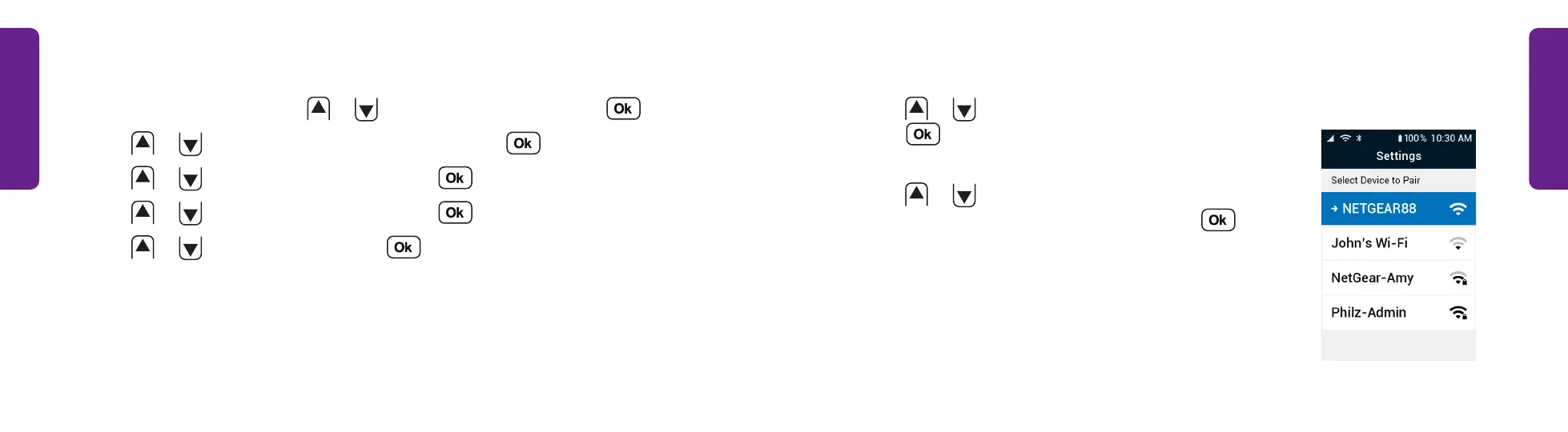
to select Available Networks and
press . The phone searches for available Wi-Fi
networks and displays a list.
7. Press
or
to select the name of the Wi-Fi
network you want to connect to and press .
STEP 6
Connecting to Wi-Fi
1. From the Main Menu, press
or
to select Settings and press .
2. Press
or
to select Bluetooth & Wi-Fi and press .
3. Press
or
to select Wi-Fi: Off and press .
4. Press
or
to select Wi-Fi: Off and press .
5. Press
or
to select On and press .



 To Next Page