20 21
Learning The Basics
Learning The Basics
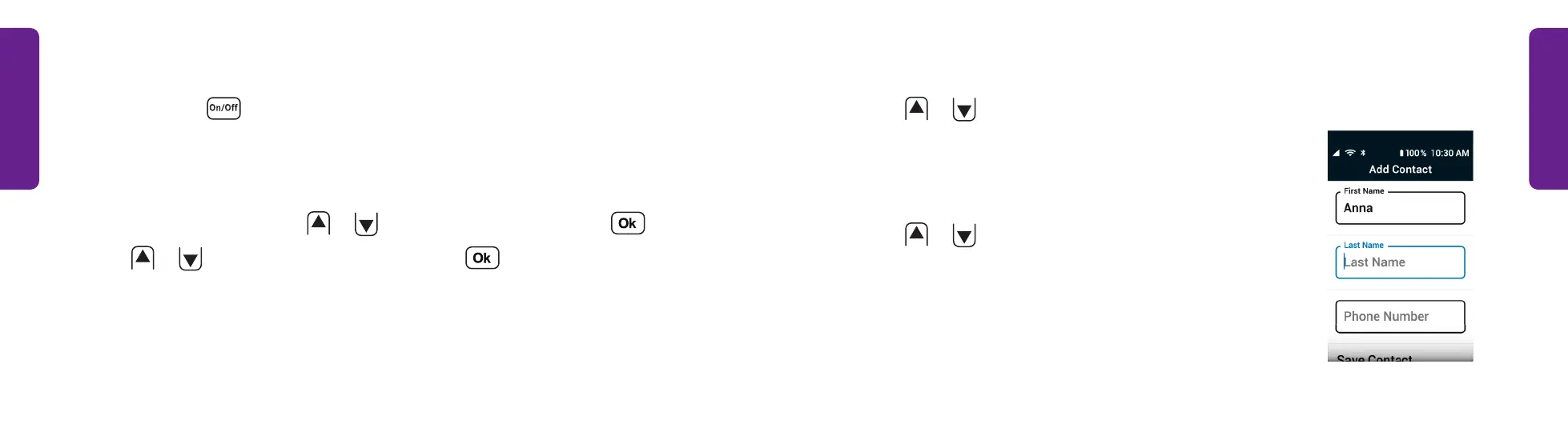
Adding a Contact (continued)
3. Press
or
to select First Name and use the
keypad to type the name.
See "Typing Text Messages with the Keypad" on page
59 for help typing a message.
4. Press
or
to select Last Name and use the
keypad to type the name.
STEP 3
Turning the Phone On/Off
1. Press and hold . The phone turns on or off.
Adding a Contact
1. From the Main Menu, press
or
to select Contacts and press .
2. Press
or
to select Add Contact and press .



 To Next Page