92 93
Helpful Tools
Helpful Tools
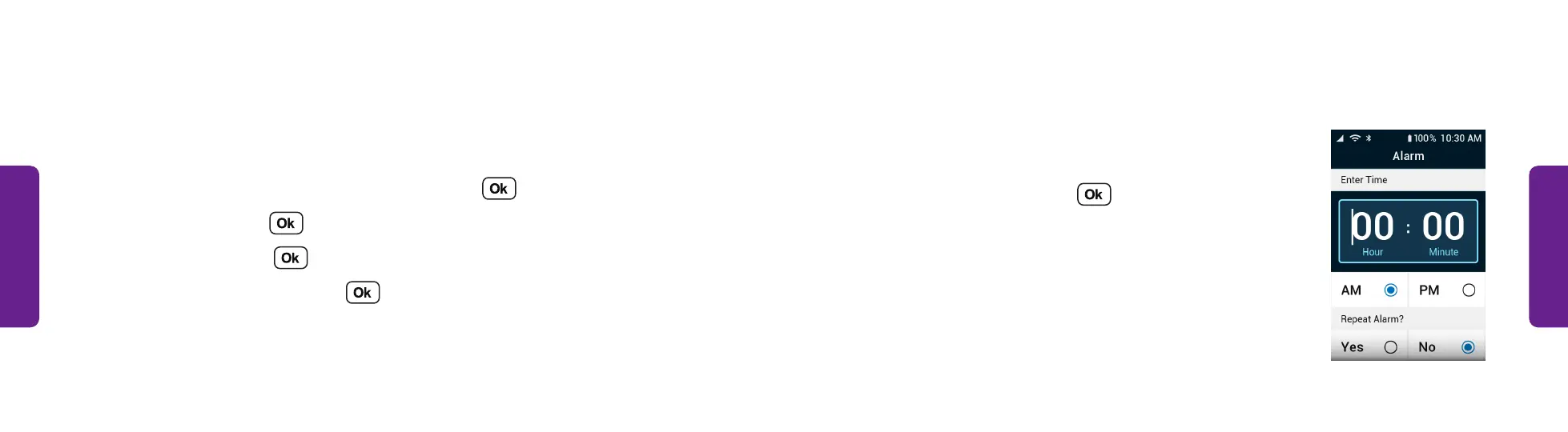
Clock • Set the alarm clock (continued):
5. Enter the time you want the alarm to go off, using
3–4 digits. For example, enter “700” for 7:00 or
“1100” for 11:00.
6. Select AM or PM and press .
STEP 5
Clock
Set alarms and timers, or use the stopwatch to help keep track of time.
Set the alarm clock:
1. From the Main Menu, select Help Tools and press .
2. Select Clock and press .
3. Select Alarm and press .
4. Select Set New Alarm and press .



 To Next Page