68 69
Photos & Videos
Photos & Videos
Recording a Video (continued)
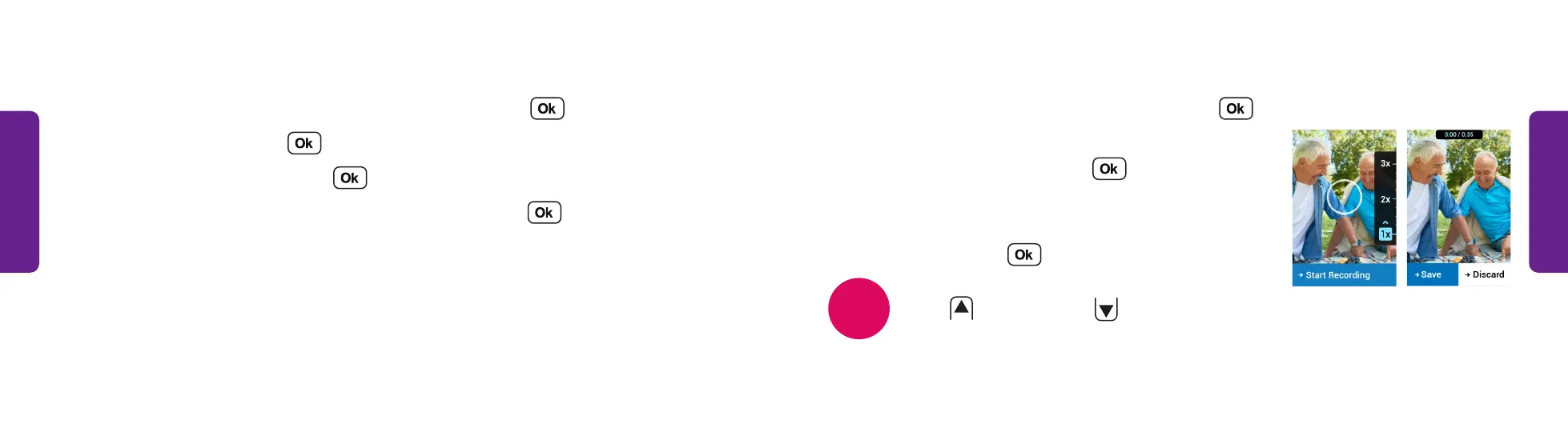
5. Aim the phone toward the subject and press
to start recording.
6. When you are finished, press to
stop recording.
7. The video you took is shown. Select Save or
Discard and press .
Press
to zoom in and
to zoom out.
NOTE
STEP 5 STEP 6
Recording a Video
1. From the Main Menu, select Photos & Videos and press .
2. Select Camera and press .
3. Select Record Video and press .
4. Select Rear Camera or Front Camera (Selfie) and press .



 To Next Page