100 101
Helpful Tools
Helpful Tools
Calculator (continued)
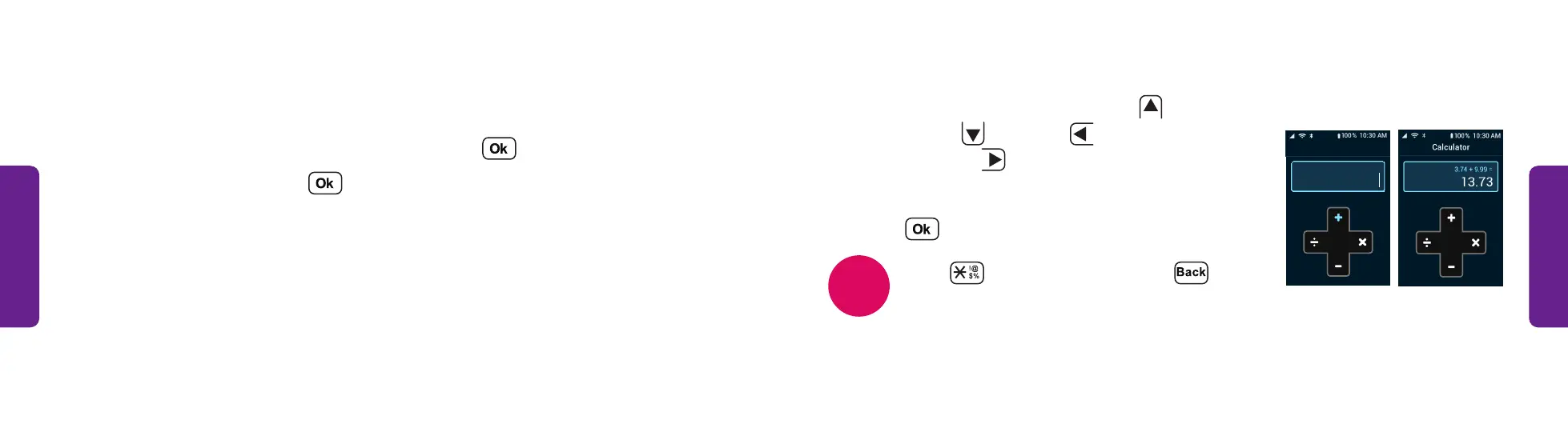
4. Use the arrows to add an addition (
),
subtraction (
), division (
L
) or
multiplication (
R
) sign.
5. Type the second number.
6. Press to calculate the total.
Press to enter a decimal. Press to
delete a character.
Calculator
NOTE
STEP 4 STEP 6
Calculator
The calculator helps you add, multiply, subtract and divide.
1. From the Main Menu, select Help Tools and press .
2. Select Calculator and press .
3. Type the first number.



 To Next Page