72 73
Photos & Videos
Photos & Videos
Sharing Your Photos and Videos
Text the photos you take to other people.
1. From the Main Menu, select Photos & Videos and press .
2. Select Photo/Video Gallery and press .
3. Select a photo or video and press .
4. Select Photo Options or Video Options and press .
Deleting Your Photos and Videos (continued)
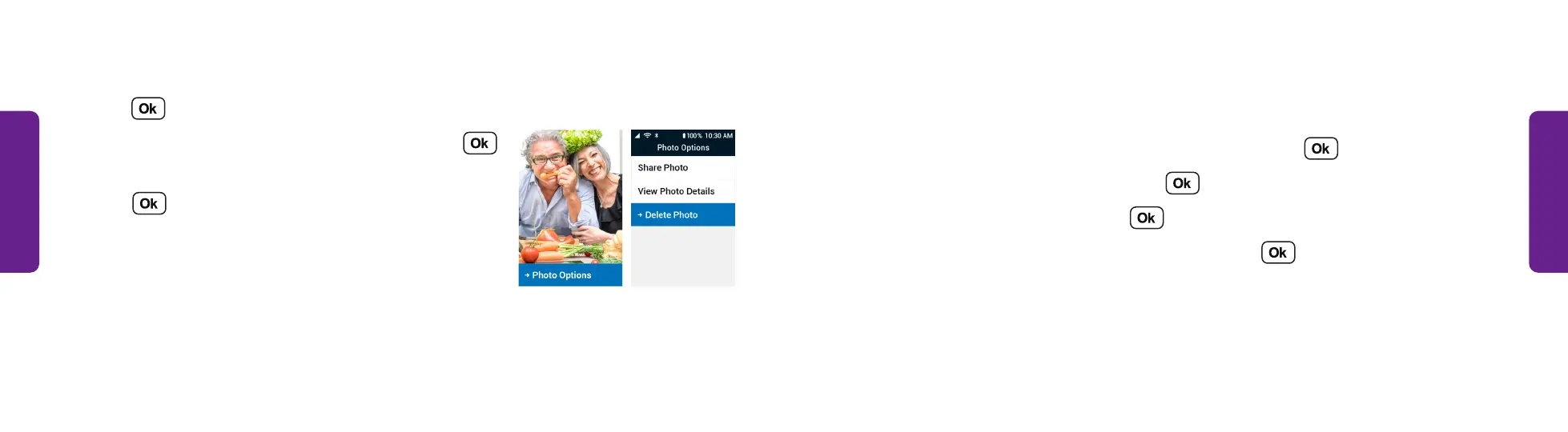
5. Press to open Photo Options.
6. Select Delete Photo or Delete Video and press .
7. Select Delete Photo or Delete Video again and
press .
STEP 5 STEP 6



 To Next Page