90 91
Helpful Tools
Helpful Tools
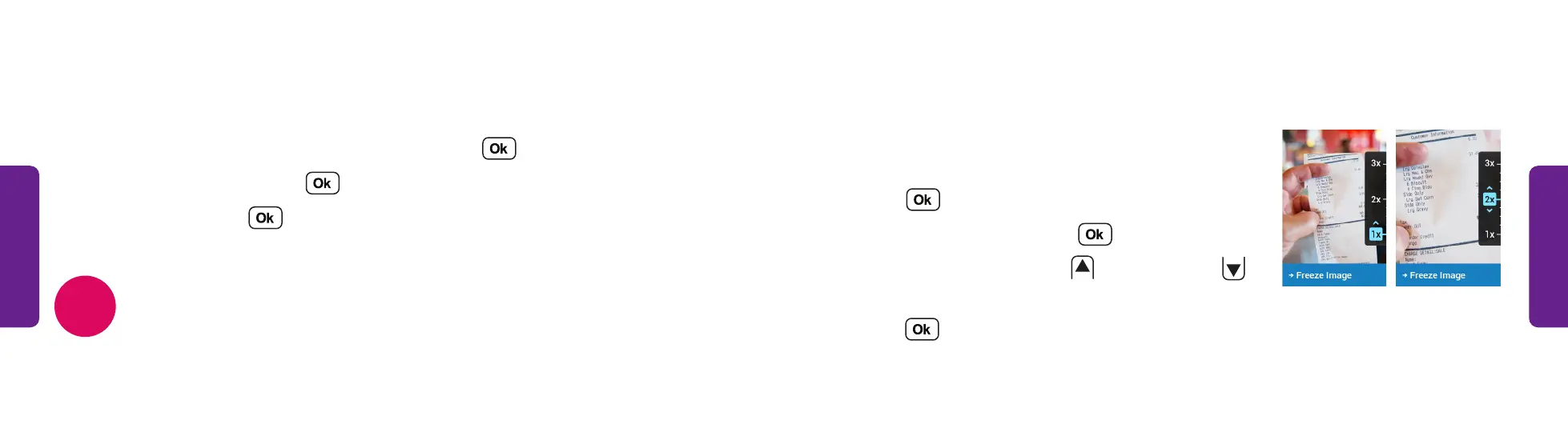
Magnifier
The magnifier tool uses the phone’s camera to help
you see small text or objects.
1. From the Main Menu, select Help Tools and
press .
2. Select Magnifier and press .
3. Aim the camera and press
to zoom in and
to zoom out.
4. Press to Freeze or Unfreeze the image.
STEP 3 STEP 4
Flashlight
The built-in flashlight helps you see in low light.
1. From the Main Menu, select Help Tools and press .
2. Select Flashlight and press .
3. Select On and press .
4. To turn off the flashlight, close the phone.
The flashlight automatically turns off after 15 minutes to save battery.
NOTE



 To Next Page