LiveU Live Video Uplink System User Guide
102
► To play and transmit a file:
1 Select the File option.
2 Tap the Browse button to select a file.
3 To play the file in a loop, either:
Select the Loop cycles option and enter the number of times that the
file should play before stopping, or
Select the Infinite option to play the video in an endless loop until you
stop it.
Startup
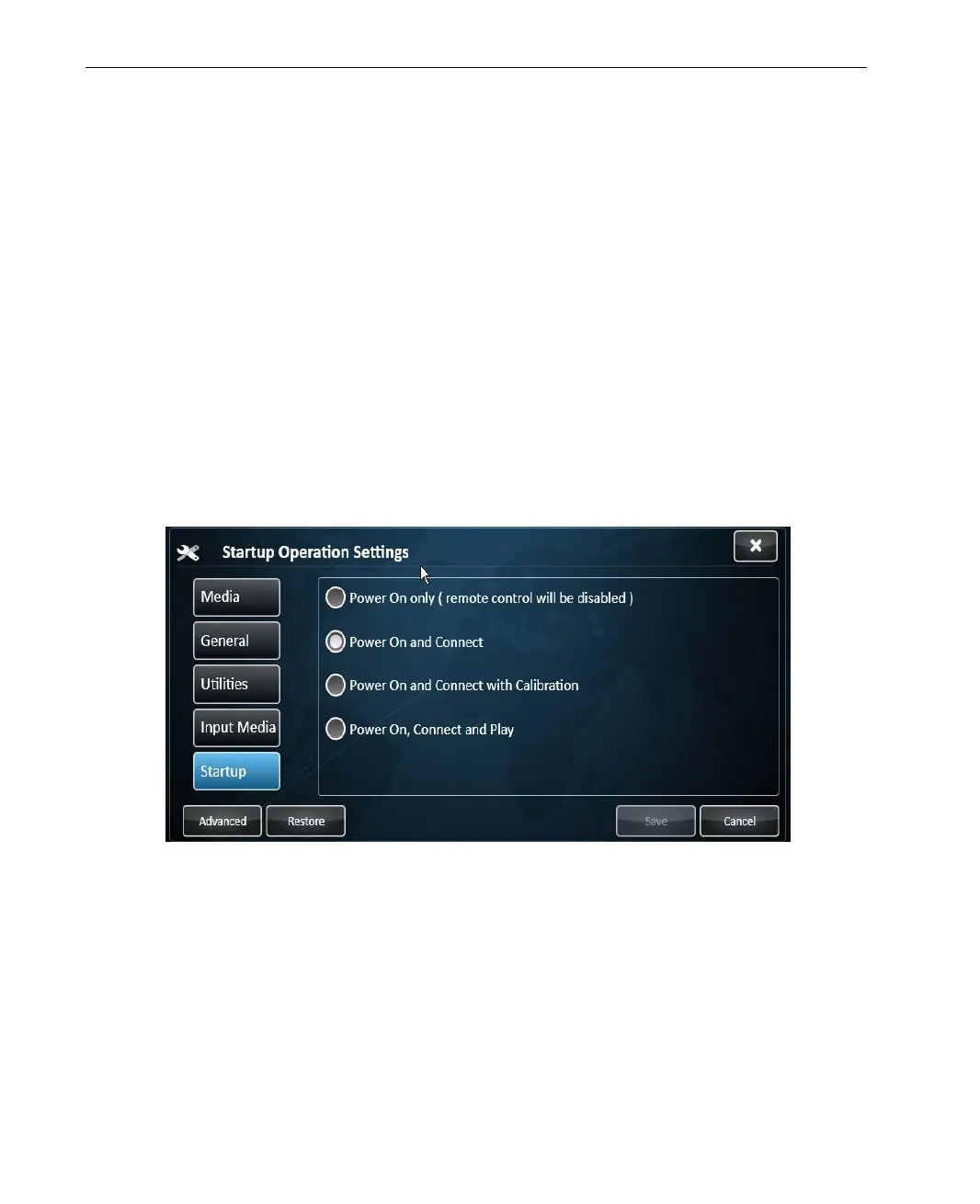
The Startup tab, shown below, enables you to define the LU’s behavior
immediately after it is powered on.
Figure 82: Startup Operation Settings
Select one of the following Power modes:
• Power On only: Specifies that the LU powers on and waits for the
selection of an option. This is the default setting.
• Power On and Connect: Specifies that the LU powers on and connects all
modems.



 To Next Page