LU Remote Control
115
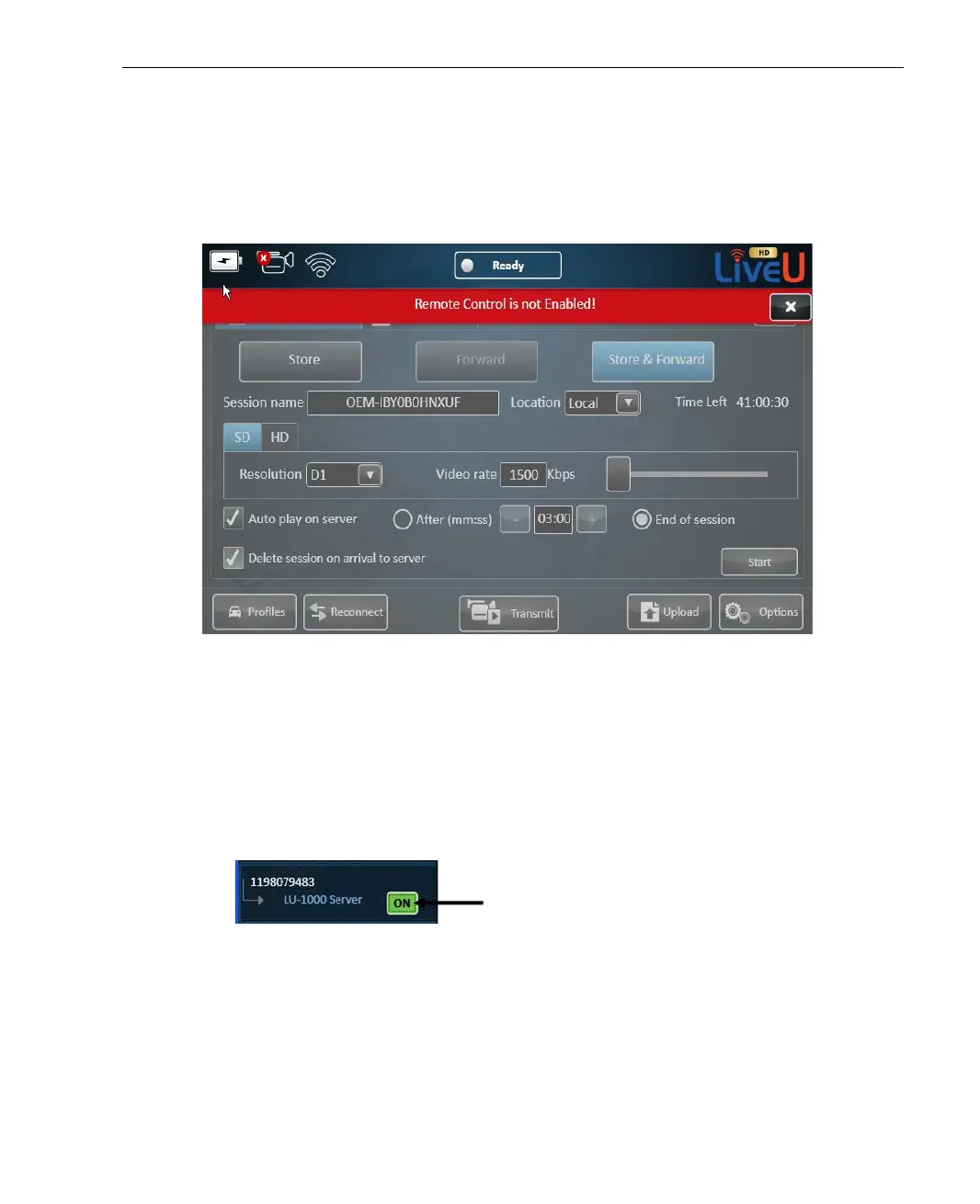
In this mode, you can navigate through the configuration options of the LU
device, but cannot change the configuration by saving. If you try to change
settings and then save, the error message Remote Control is disabled! is
displayed, as shown below:
Figure 97: Remote Control is Disabled
Controlling the LU
► To start controlling the LU:
1 Click the OFF button, which then changes to an ON button, as shown
below:
Figure 98: Remote Control – ON – Remote Control Enabled



 To Next Page