LiveU Live Video Uplink System User Guide
30
Step 4, Playing
Tap Transmit to start broadcasting live streaming video to the broadcasting
center.
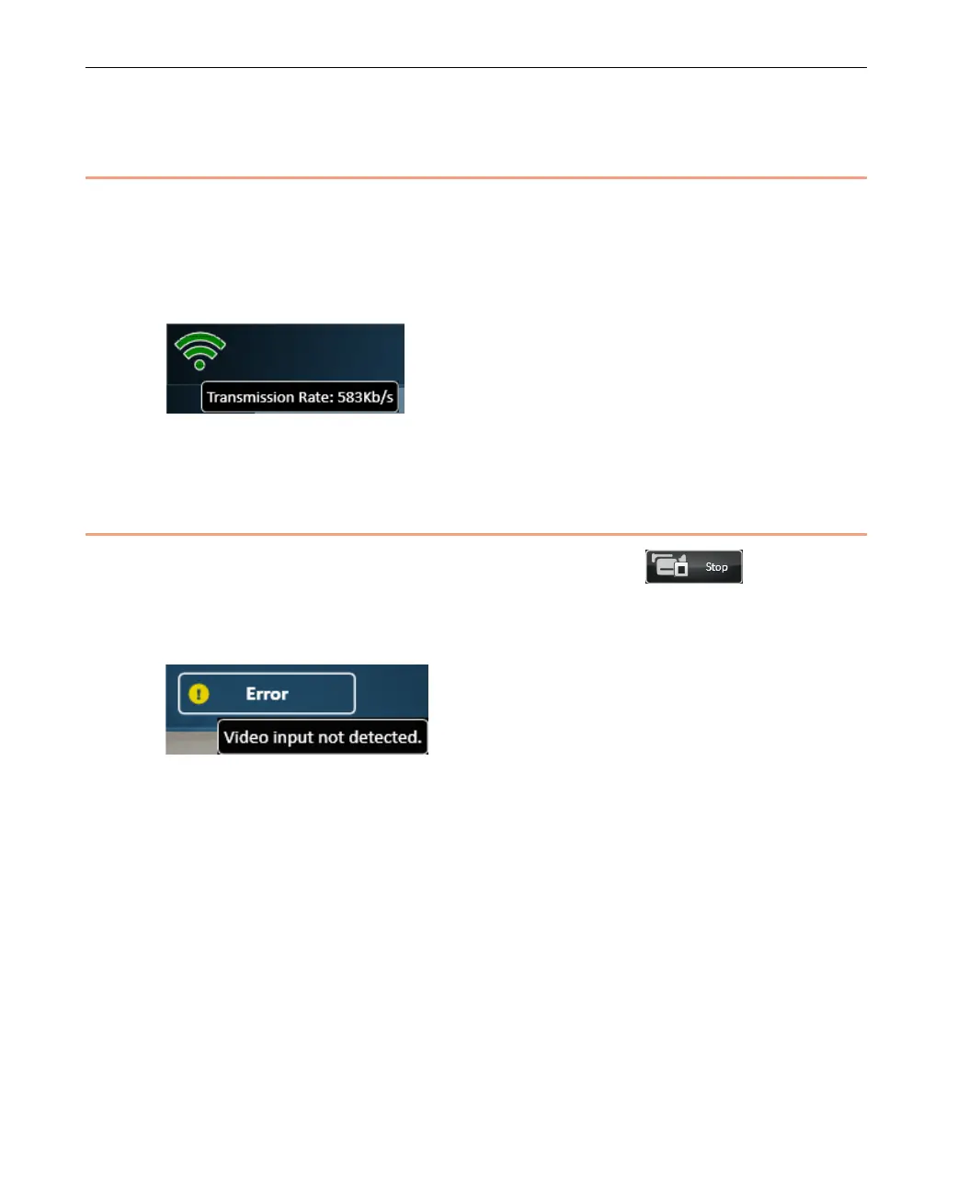
You can tap the Transmission Strength indicator to display the number of Kb/s
transmitted and received, as shown below:
Figure 15: Transmission Strength
Step 5, The Next Step
After you have finished playing, you can tap the Stop button.
If you turn off the camera during playing, then an Error status appears. If you
tap the Error status indicator then a message is displayed, as shown below:
Figure 16: Camera Disconnected or Off
If the camera is disconnected during transmission, then after the camera is
reconnected, transmission will automatically continue. You do not need to
reestablish the connection. To start transmitting, simply tap Transmit.



 To Next Page