LiveU Live Video Uplink System User Guide
38
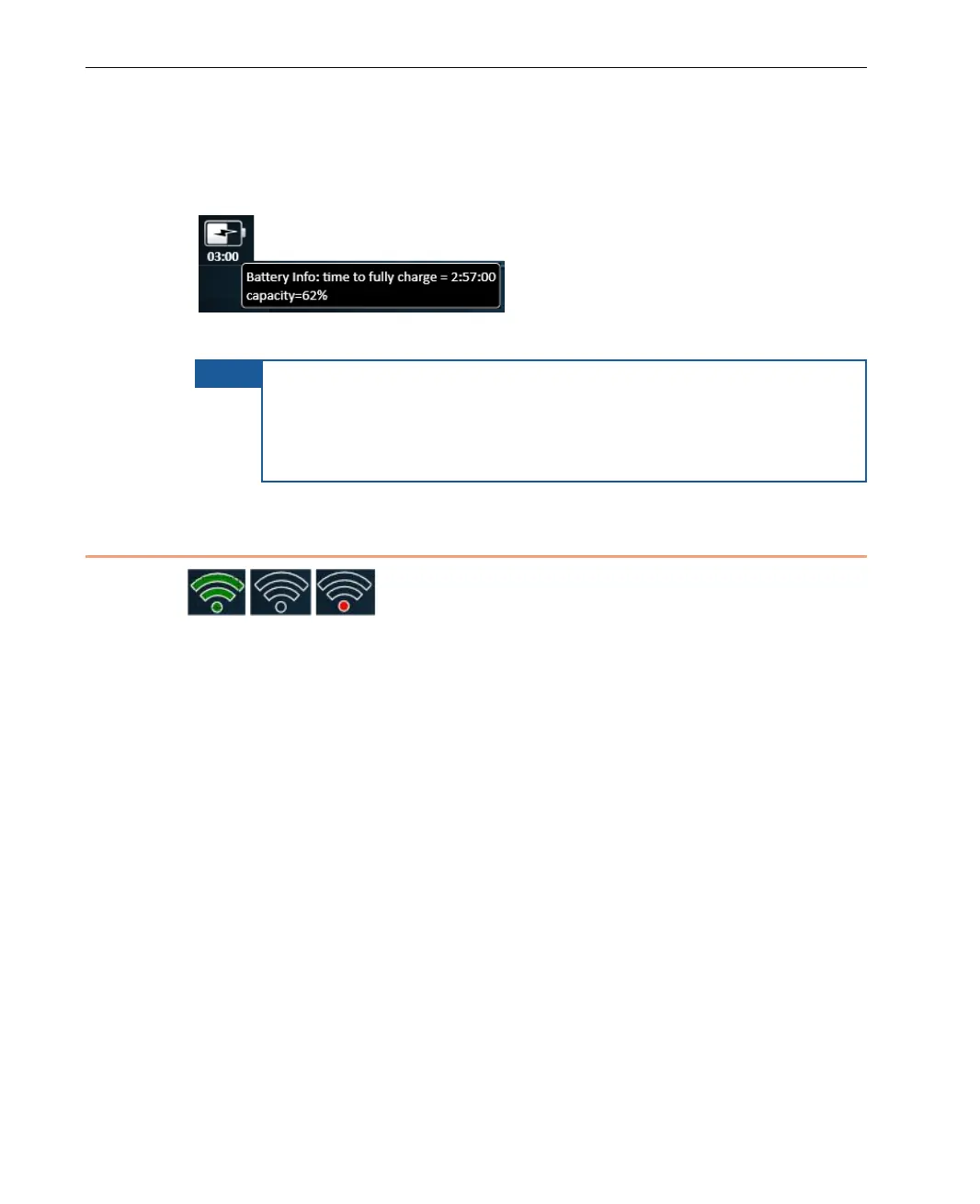
A tool tip can be displayed while the battery is being charged. It shows the
percentage of the battery’s current charge and the amount of time
remaining until the battery will be fully charged.
Figure 23: Battery Status Tool Tip
NOTE
It is also possible to see the battery charge on the battery itself by
opening the battery compartment. There is a small LCD indicator
that shows up to five bars. You may refer to Checking the
LU60/LU70 Battery Charge section on page 120
the battery charge indicator in the battery compartment.
Transmission Quality
Figure 24: Transmission Quality
This indicator shows the quality of the transmission between the LU and the
LU-1000 server. When you hover over it, a tool tip is displayed showing the
average transferred bitrate during the last four seconds.
This indicator changes as follows:
• Gray – Not connected
• Three bars and Green – Good connection
• An interim status (for example two green bars) reflects the overall status
of all the interfaces.
This indicator is updated every few seconds. For example, transmission quality
could be 1,245 kbps.



 To Next Page