Getting Started
27
The Connecting status indicator is displayed, as shown below:
Figure 10: Connecting Status Indicator
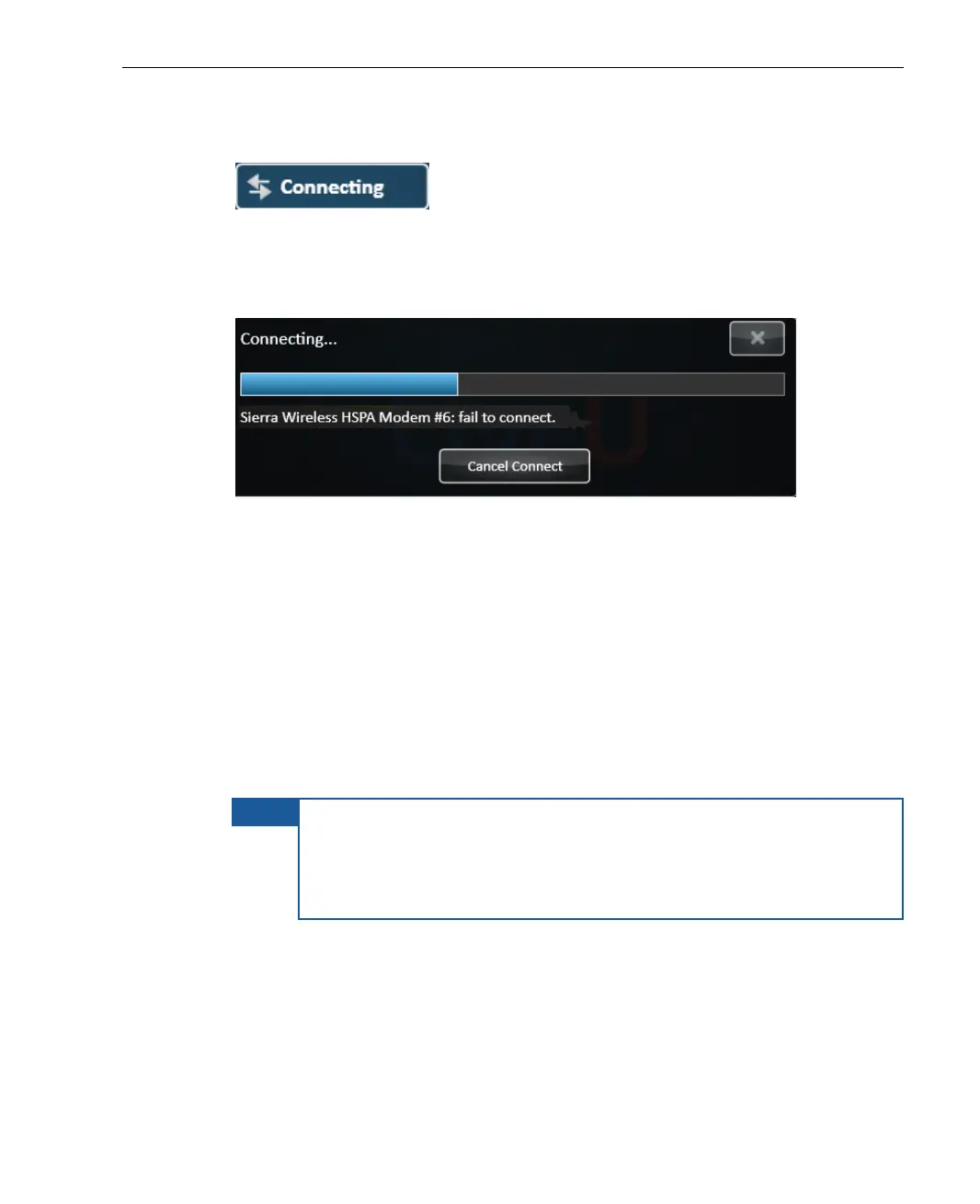
Even though the LU can operate without all interfaces, it retries connecting
a number of times before giving up and displaying the following message:
Figure 11: Interface Connection Failed
After the modems are connected, the system carries out network-related
tests and the application automatically calibrates the available bandwidth
efficiency and delay for each of the interfaces. It also determines the best
parameters for ensuring that the system functions at maximum efficiency.
After this calibration, the LU application is able to calculate the overall
system efficiency, total effective bitrate and delay.
After the system has finished this calibration, the LU unit automatically
sets the video bitrate to the value recommended by the system according
to combination of selected Profile and Resolution.
NOTE
If the connection process results in a low video rate, tap
ReConnect. The system then recalibrates itself. If the problem
continues, then you can change the video bit rate manually using
the Options button Configuration button Media button, as
described in Chapter 6, Configuration and Settings on page 73.



 To Next Page