File Transfer
61
7 You can tap the Select Folder button to display a list of folders. You can
then select one or more folders and tap the right arrow button
to
move the folder(s) to the list on the right. These are the folders that can
be transferred to the LU-1000 server.
NOTE
You can tap the Remove All button to clear the list of files and
folders (on the right) to be sent to the LU-1000 server.
8 Tap the Send button to start transferring the files in the list on the right to
the LU-1000 server.
NOTE
To remove a selected file from the list on the right, simply select it
and then tap the left arrow button
.
After the transmission has been successfully completed, the following
message is displayed.
Figure 37: Completed File Transmission
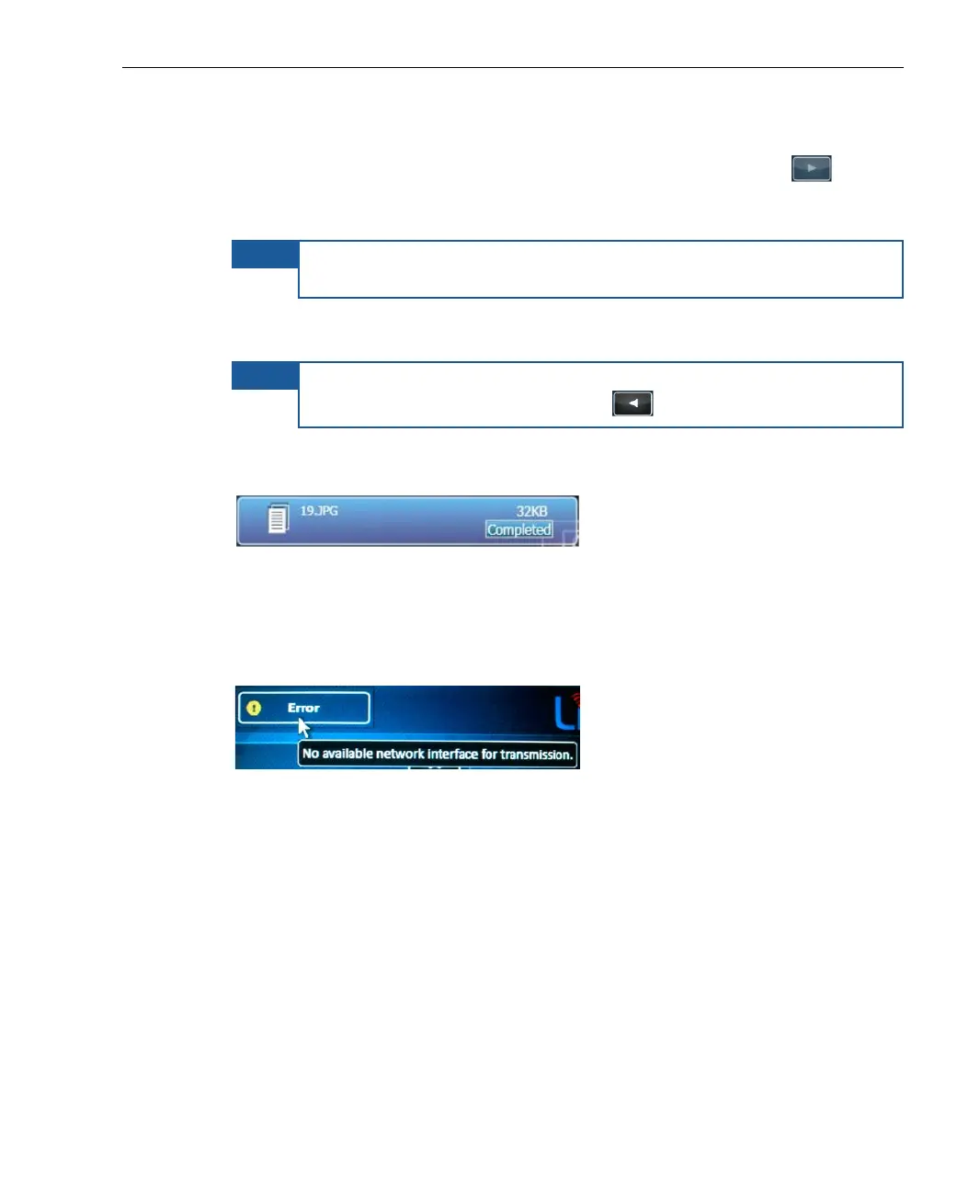
If an error occurs during File Transfer mode, the transmission stops, and
an Error status is displayed. You can see the reason for the error by
tapping the status icon, as shown below:
Figure 38: Camera Disconnected or Off
The session will automatically continue transmission as soon as the
connection is reestablished.



 To Next Page