LU User Interface
45
Profiles
This button indicates the Profile according to which the LU is currently
operating, as follows:
Interview
Balanced
Max Quality
You can tap this button to display information about the selected Profile and to
select a different Profile or reconfigure the settings of a Profile.
A full description about the Profiles provided for the LU and how to select them
is provided in the Profiles Window section on page 48.
Platform and Unit Name
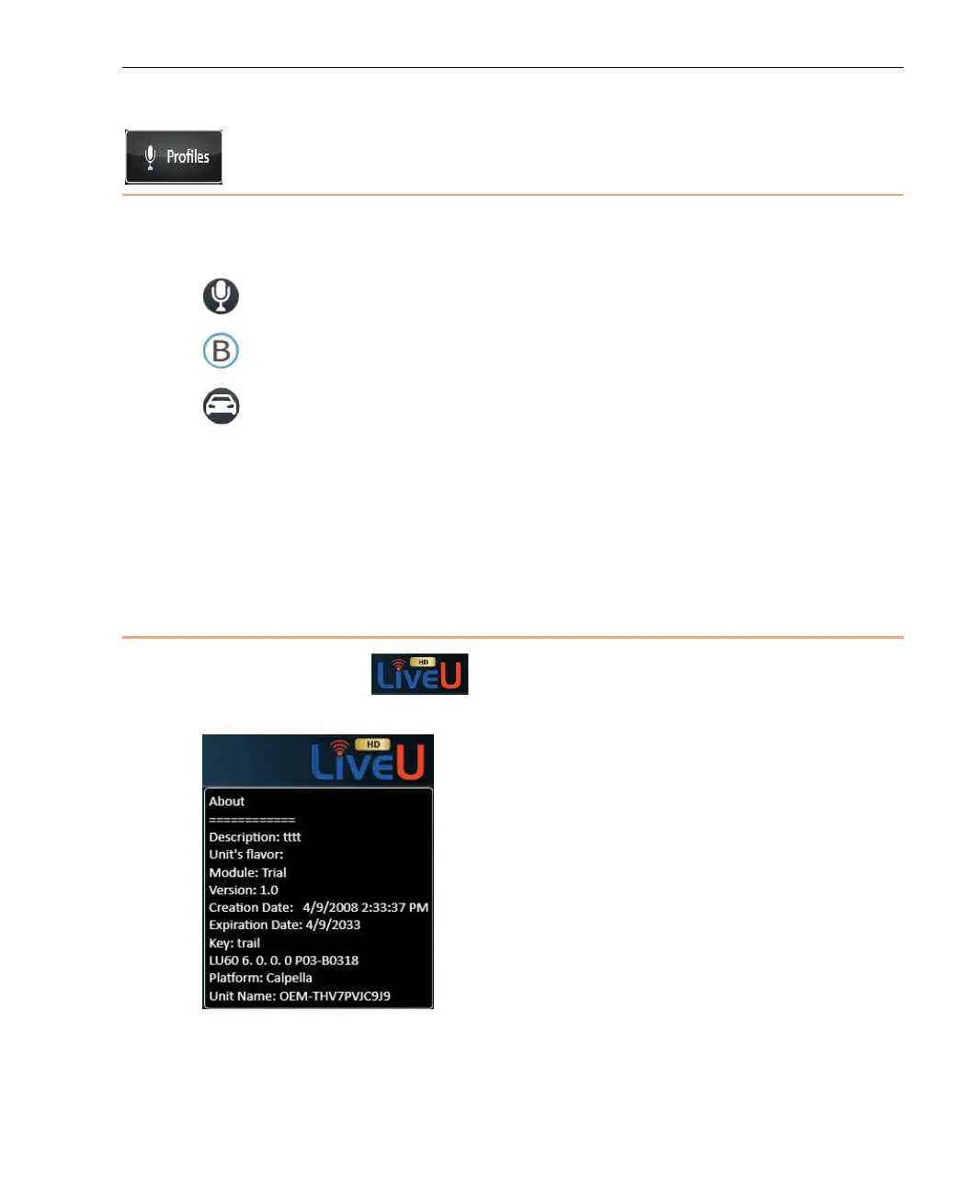
Tap the LiveU logo to display the following window showing the
LU’s platform and unit name.
Figure 29: Platform and Unit Name



 To Next Page