Configuration and Settings
77
Defining an Interface
Cellular and Local Area Network (LAN) interfaces are automatically detected by
the LU and displayed in the Interfaces page described above. The following
describes how to display more information about an interface and to manually
disable/enable it.
NOTES
You may refer to the Defining a Wi-Fi Interface section on page 79
for a description of how to define a Wi-Fi interface.
You may refer to the Xtender Wi-Fi Link section on page 86 for a
description about how to view Wi-Fi link statistics.
You may refer to the Manual Roaming section on page 86 for a
description of how to select a network other than the one to which
the modem is registered.
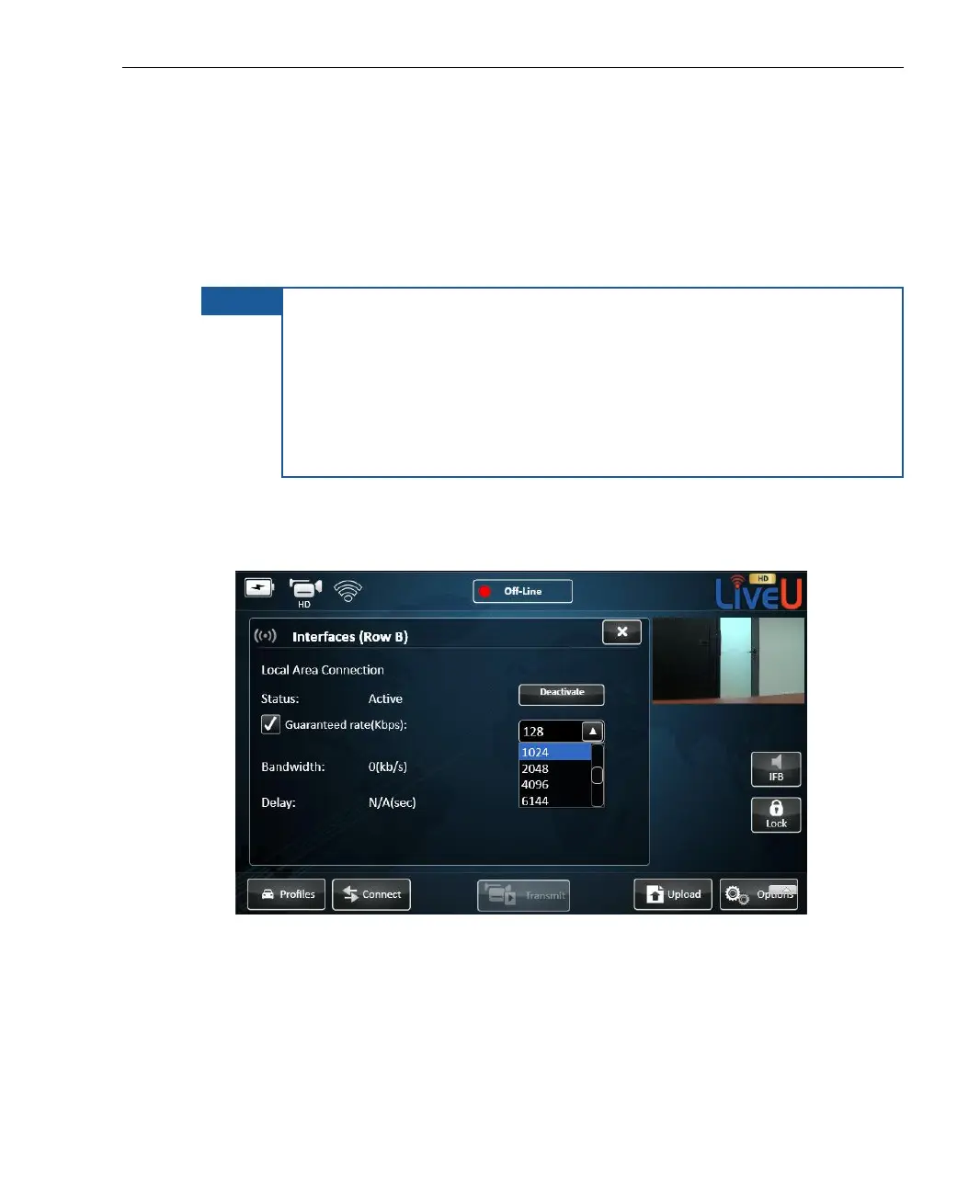
► To define a guaranteed LAN interface:
1 Tap an interface row to display the following window:
Figure 55: Interfaces



 To Next Page