LiveU Live Video Uplink System User Guide
86
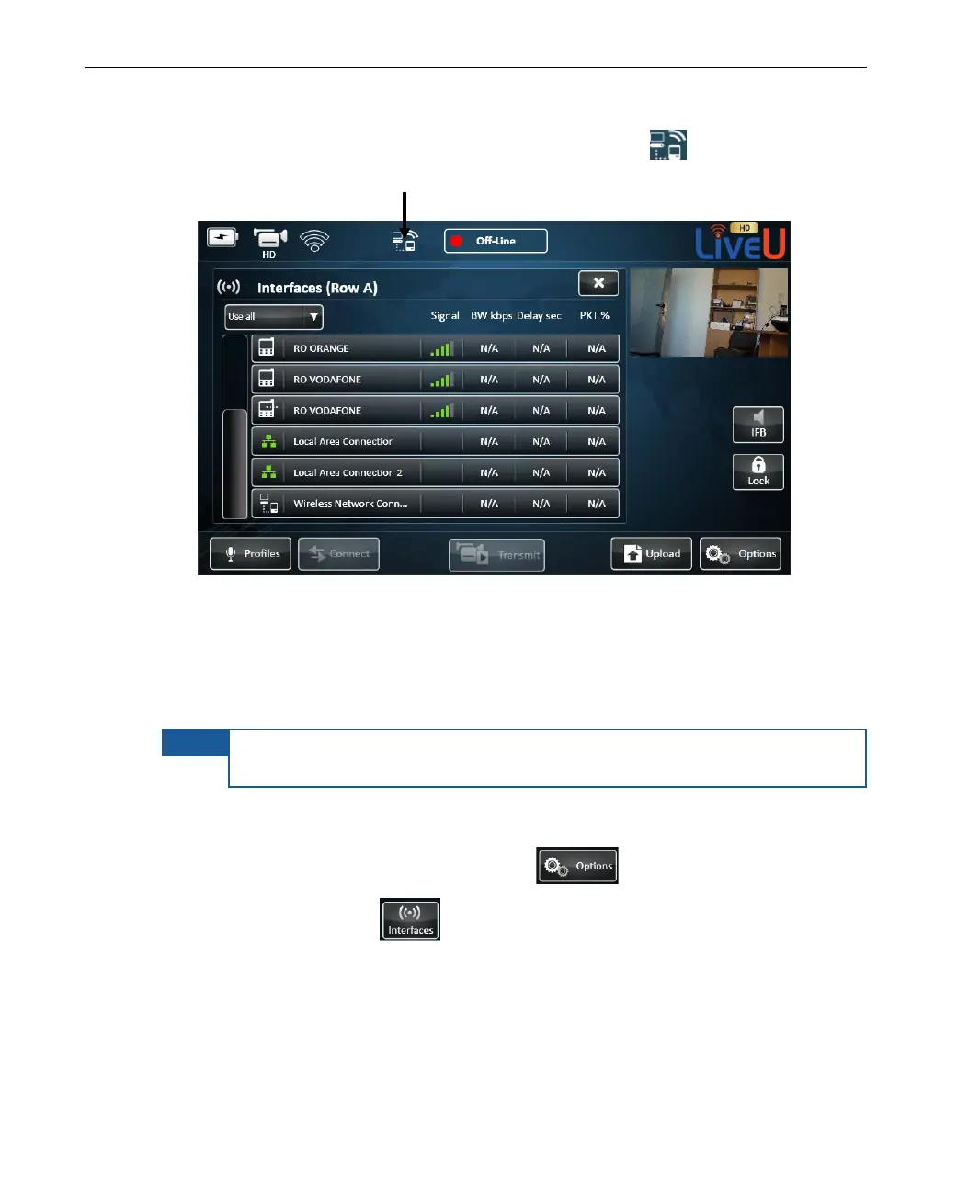
When the LU is functioning as an Access Point, the symbol appears at
the top of the main window, as shown below:
Figure 65: Defining an Access Point – 4
Xtender Wi-Fi Link
Wi-Fi link statistics can be viewed in the Interfaces window.
NOTE
The Xtender/Wi-Fi link LAN should only be connected to the LU70 via
LAN1.
► To view Wi-Fi link statistics:
1 In the main window, tap the Options button.
2 Tap the Interfaces
button.



 To Next Page