Store & Forward
65
Location: Indicates where the file will be saved. You can save the file
locally on the device, or on a USB Disk-on-Key.
Time Left: The memory space left for the recording is calculated
according to the set resolution and video rate. The set time left refers
to a maximal quality recording. This field is non-editable.
Resolution: Sets the resolution options according to the connected
camera (Standard or HD). The set resolution determines the video
rate. To set the resolution tap the arrow and select from the drop-down
list.
Video Rate: Calculated according to set Resolution. This field is
non-editable.
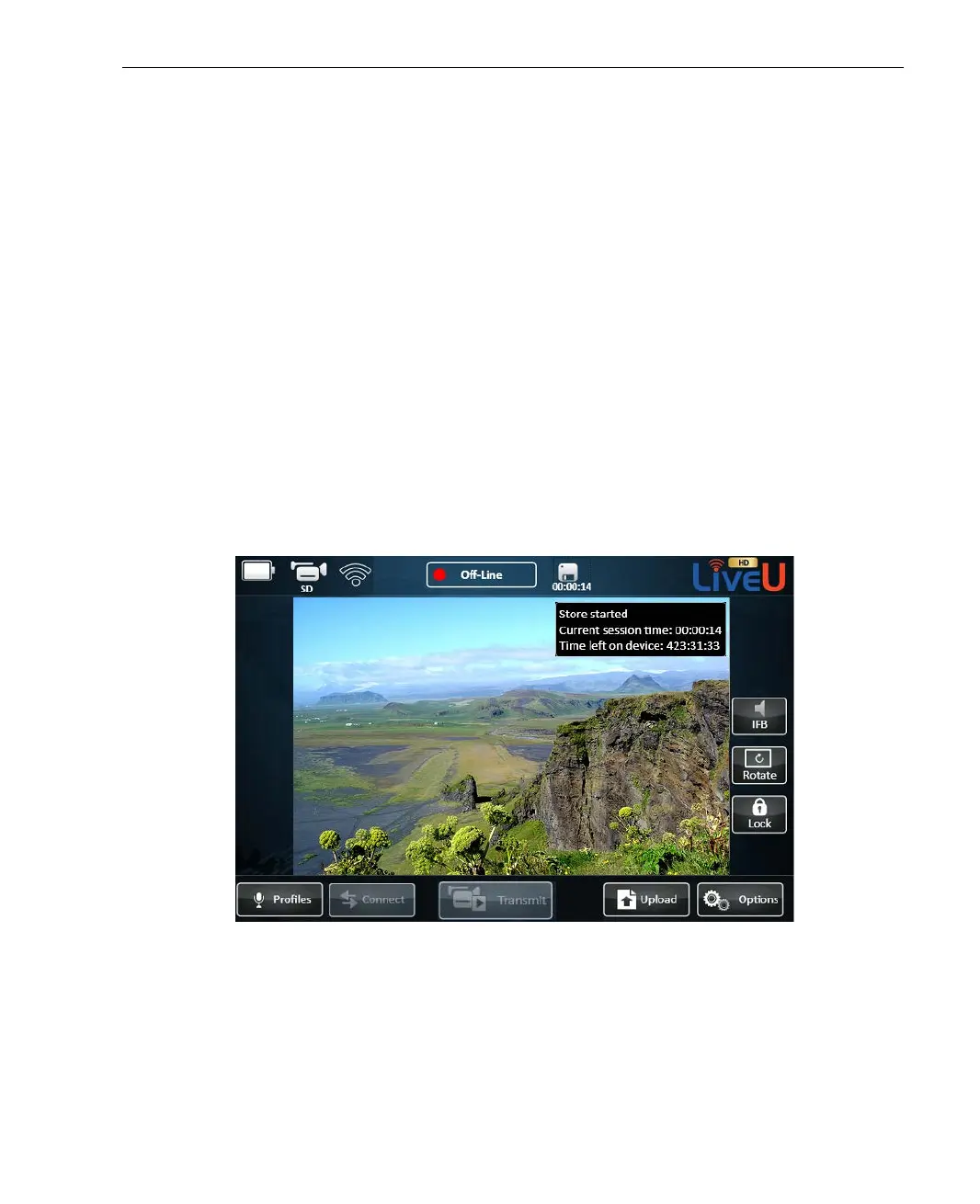
4 After setting the fields, tap Start. When the recording starts, an icon
appears next to the Status Indicator, displaying time elapsed since the
recording started. Tapping the icon displays more information about the
recording.
Figure 41: Store Session in Progress



 To Next Page